
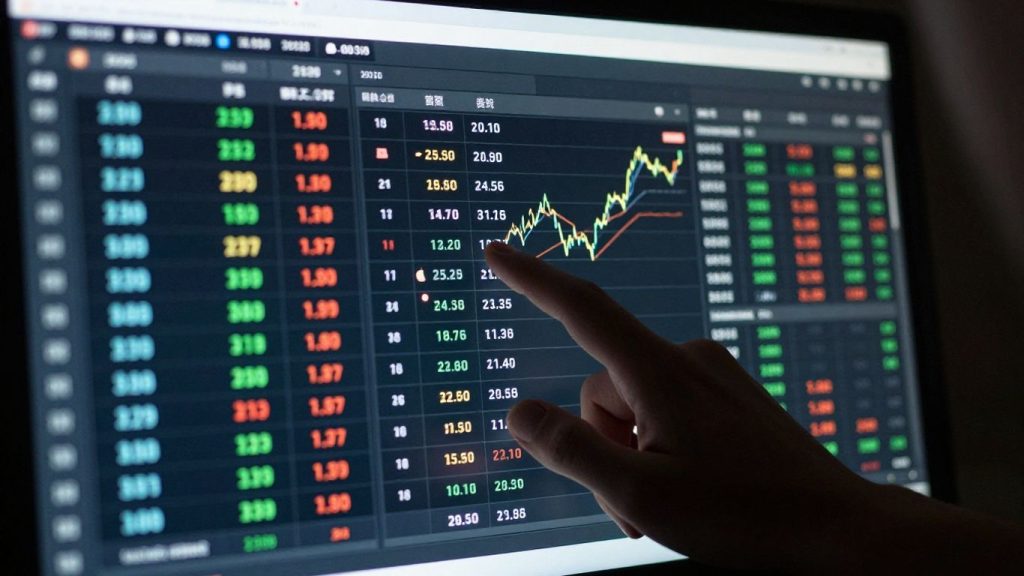
So, you’re looking to get better at trading, right? Most people jump straight into live trading, hoping for the best. But honestly, that’s a bit like trying to run a marathon without any training. You’re just asking for trouble. This guide is all about using TradingView’s backtesting tools. Think of it as a practice ground where you can test your trading ideas against old market data. It’s a smart way to see if your strategy actually has a shot before you put your own money on the line. We’ll cover the basics, why it matters, and how to actually do it, so you can trade with more confidence.
Key Takeaways
- TradingView backtesting lets you test strategies on historical data, which is way smarter than risking real money immediately.
- You can do manual backtesting using the Bar Replay tool or go automated with Pine Script and the Strategy Tester.
- Adjusting your strategy’s settings is important, but be careful not to tweak them too much, or you might end up with a strategy that only works on past data (overfitting).
- Look closely at the results from the Strategy Tester – things like net profit, how much you lost overall (drawdown), and how many trades were winners help you understand performance.
- Always remember to factor in real trading costs like fees and slippage, and test your strategy across different market conditions (up, down, sideways) to see if it’s really tough.
Understanding TradingView Backtesting Essentials
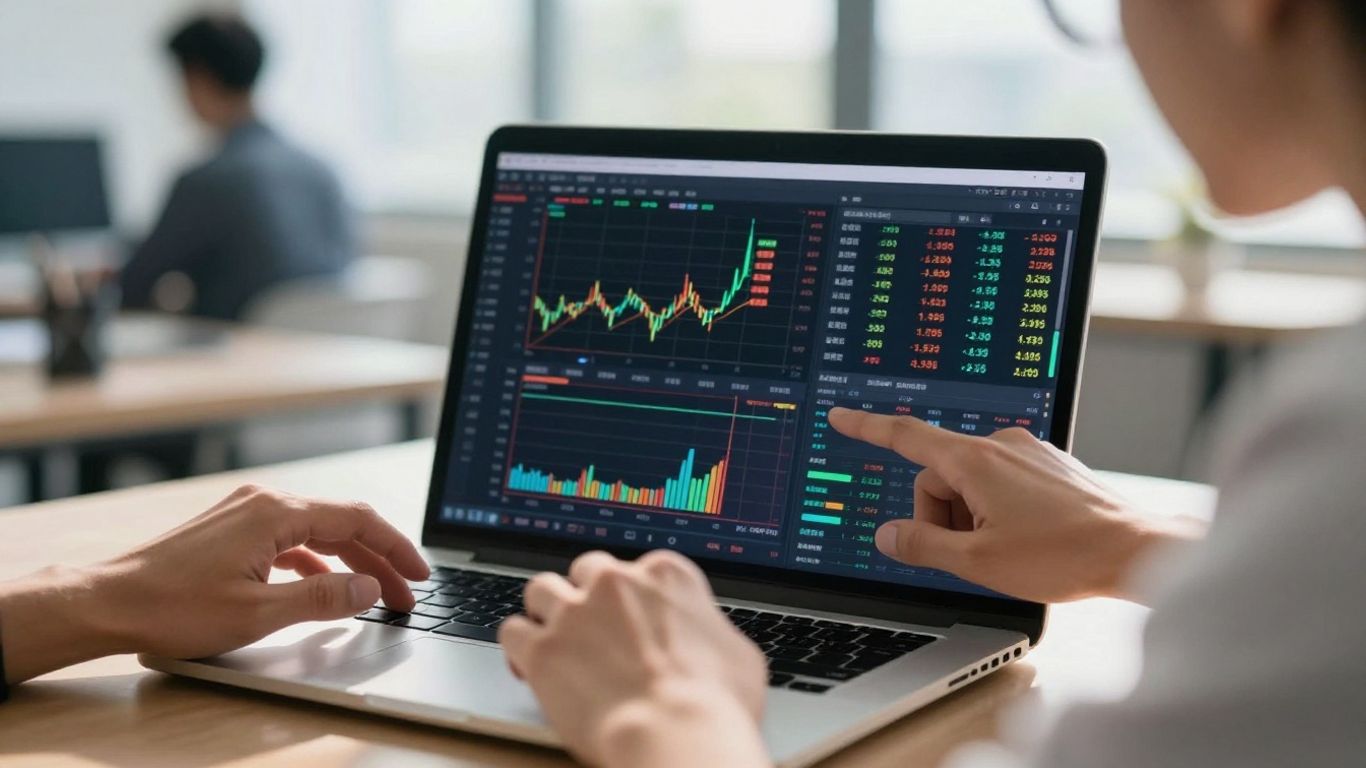
Before you even think about putting real money on the line, you need to know if your trading ideas actually have a shot at working. That’s where backtesting comes in, and TradingView makes it pretty straightforward. It’s basically like playing a video game of the past market to see how your strategy would have performed. This isn’t just a fun exercise; it’s a really important step to avoid losing cash on something that just won’t work.
Why TradingView Backtesting Is Crucial for Traders
Think of backtesting as your strategy’s dress rehearsal. You’re running it through historical data to see if it holds up. This saves you from the painful and expensive process of learning your strategy’s flaws with your own money. It helps you filter out the bad ideas early on, so you can focus your energy on the ones that actually show promise. Plus, seeing a strategy perform well historically can give you a much-needed confidence boost before you start trading live.
- Saves Money: Avoids costly mistakes in live trading.
- Saves Time: Quickly tests multiple ideas without waiting for market conditions.
- Builds Confidence: Provides objective data on strategy performance.
- Filters Weak Strategies: Helps identify and discard ideas that don’t have historical merit.
Backtesting lets you see how your strategy would have acted in the past. It’s a way to check if your trading rules make sense before you use them with actual funds. This process helps you understand the potential upsides and downsides without any real risk.
Setting Up Your TradingView Account for Strategy Testing
Getting started with backtesting on TradingView is pretty simple. First, you’ll need an account. TradingView offers different plans, from a free version to paid tiers. While the free plan is good for starting out, the paid versions give you more features, like the ability to use more indicators on a chart or access to more advanced tools, which can be helpful as you get more serious about testing.
Here’s a quick rundown of what you need:
- Create an Account: Sign up on the TradingView website. You can use your email or link a Google or Facebook account.
- Choose a Plan: Decide if the free plan is enough or if you need a paid subscription for more features.
- Familiarize Yourself: Spend some time looking around the platform. Understand where the charts are, how to add indicators, and where to find the Strategy Tester.
Navigating TradingView’s Core Charting Features
TradingView’s charts are the heart of the platform. They’re designed to be user-friendly, even if you’re new to charting software. You can easily:
- Change Timeframes: Switch between minutes, hours, days, weeks, or months to view price action on different scales.
- Add Indicators: Access a huge library of built-in and custom indicators (like Moving Averages, RSI, MACD) to help analyze price movements.
- Customize Appearance: Change colors, styles, and layouts to make the charts easy on your eyes.
- Use Drawing Tools: Add trendlines, shapes, and text to mark important levels or patterns.
Understanding these basic charting functions is key because your backtests will be based on the data displayed on these charts. The better you understand how to read and customize your charts, the more effective your backtesting will be.
Executing Trades with TradingView’s Backtesting Tools
So, you’ve got a trading idea. That’s great! But before you even think about putting real money on the line, you need to see how that idea would have actually performed in the past. TradingView gives you a couple of ways to do this, and they’re pretty straightforward once you get the hang of them.
Manual Backtesting Using the Bar Replay Function
This is like having a time machine for your charts. The Bar Replay tool lets you go back to a specific point in history and then step through the price action, bar by bar. It’s a hands-on way to test your strategy.
Here’s how you can use it:
- Find the Bar Replay: Look for the little rewind icon on the top toolbar of your chart. Click it.
- Set Your Starting Point: Move your cursor to the date and time on the chart where you want your backtest to begin. Click to set the replay point.
- Step Through History: Use the play, pause, and step-forward buttons to move through the price data. You can go one bar at a time, which is best for detailed testing.
- Apply Your Rules: As the bars form, you’ll manually decide if your strategy’s entry or exit conditions are met. You’ll need to keep notes.
- Record Everything: Jot down the entry price, exit price, date, and whether it was a win or a loss for each simulated trade.
This method is good for getting a feel for how your strategy works in real-time, but it can be slow if you have a lot of trades.
Automated Backtesting with Pine Script and Strategy Tester
This is where TradingView really shines. If you can code your strategy using Pine Script (or find one someone else has written), the platform can do all the heavy lifting for you. It’s much faster and more thorough than manual testing.
- Open the Pine Editor: At the bottom of your TradingView screen, you’ll see a tab for the ‘Pine Editor’. Click on it.
- Add Your Strategy: You can either write your own strategy code here or load one from TradingView’s vast library of community scripts. Once it’s ready, click ‘Add to Chart’.
- The Strategy Tester Appears: Below your chart, a new panel will pop up – this is the Strategy Tester. It automatically runs your strategy on the historical data shown on your chart.
- Review the Results: The Strategy Tester gives you a summary of performance. You’ll see things like total profit, how much your account value dropped (drawdown), and the percentage of winning trades.
The Strategy Tester provides a quick snapshot, but don’t just look at the total profit. You need to dig deeper into the other metrics to really understand if the strategy is sound or just got lucky on past data.
Applying and Analyzing Community Strategies
TradingView has a huge library of strategies created by other traders. It’s a fantastic resource for learning and testing.
- Finding Strategies: Go to ‘Indicators’ on your chart, then select ‘Strategies’. You can search or browse through popular ones.
- Adding to Chart: Click on a strategy to add it to your chart. The Strategy Tester will automatically load.
- Initial Review: Look at the basic performance metrics. Does it seem promising?
- Check the Code (If Possible): If you’re comfortable, click the ‘Pine Editor’ button on the strategy to see its code. This helps you understand why it’s making trades.
- Test on Different Data: Don’t just test a community strategy on one timeframe or market. See how it performs elsewhere. You might find it works better in certain conditions than others.
Remember, just because a strategy is popular doesn’t mean it’s right for you or that it will work in the future. Always test thoroughly.
Optimizing Strategy Parameters for Robust Performance
Fine-tuning your trading strategy parameters can make or break your results in TradingView. If you nail it, your strategy picks up more reliable signals and avoids big mistakes. But get too obsessed with perfect numbers, and you risk chasing past profits that never show up again. Here’s a no-nonsense look at how to get the most from your optimization process.
Adjusting Strategy Parameters for Better Outcomes
- Start with broad parameter ranges. Don’t just pick the settings that ‘feel right’—let the system test a wide variety.
- Use TradingView’s built-in features (like the Strategy Tester or the Strategy Optimizer) to run multiple scenarios quickly.
- Pay attention to which settings consistently perform better, not just the top performer.
| Parameter | Typical Range | What To Look For |
|---|---|---|
| Moving Average | 5–200 | Stable results, low drawdown |
| RSI Period | 7–30 | Consistent across markets |
| Stop-Loss % | 0.5–5% | Fewer big losses |
If one set of parameters is always the winner in every market, something might be off. Look for settings that hold up in both smooth and bumpy periods.
The Art of Balancing Parameters to Avoid Overfitting
- Resist the urge to endlessly tweak settings for the highest historical profit. That’s usually overfitting.
- Test strategies on different market phases (bull, bear, sideways). If your settings only work in a bull run, they’re not ready for real trading.
- Validate results with out-of-sample testing: train on one period, test on another you didn’t use to set parameters.
Here’s a quick sanity checklist:
- Is your equity curve smooth or just a fluke with one huge winner?
- Does the win rate stay reasonable (not crazy high or suspiciously low)?
- Have you tested against rising fees and slippage?
Combining Indicators for Enhanced Signal Confluence
- Layering two or three uncorrelated indicators can give you stronger, more reliable entry and exit signals.
- Try a mix from different categories, like:
- Trend (e.g., EMA or SMA)
- Momentum (e.g., RSI or Stochastic)
- Volume (e.g., On-Balance Volume)
- Volatility (e.g., Bollinger Bands)
- Don’t crowd the chart. Too many indicators will just lead to confusion and false signals.
Smart combining means each indicator adds a unique filter. When they all agree, you’re probably onto something good—but always double-check with your own eyes on the chart before trading.
Interpreting and Validating Backtesting Results
So, you’ve run your backtest and have a report full of numbers. That’s great! But what do they actually mean? It’s tempting to just look at the final profit and call it a day, but that’s a mistake. A good backtest report is like a detailed report card for your trading idea, showing you not just how much it could have made, but also how it behaved under different market conditions.
Key Metrics in the Strategy Tester Overview
When you first look at the Strategy Tester in TradingView, you’ll see a summary. This gives you the big picture. Think of it as the executive summary of your strategy’s performance. You’ll see things like:
- Net Profit: The total profit or loss over the entire backtest period.
- Total Closed Trades: How many trades the strategy took.
- Profit Factor: Gross profit divided by gross loss. A number above 1.5 is generally a good starting point.
- Max Drawdown: The biggest percentage drop from a peak to a trough in your equity. This is a really important one for understanding risk.
- Win Rate: The percentage of profitable trades. While nice to see, don’t let a high win rate fool you if the losses are huge.
These initial numbers give you a quick feel for the strategy, but they don’t tell the whole story. You need to dig deeper.
Deeper Dive into Performance Summary Metrics
Beyond the overview, the Strategy Tester provides more detailed metrics that paint a clearer picture. You need to look at these to really understand the risk and reward profile.
- Equity Curve: This is a graph showing your account balance over time. You want to see a steady upward trend, not a wild, jagged line. A smooth curve suggests consistent performance, while a choppy one might indicate a strategy that’s very sensitive to market noise.
- Sharpe Ratio: This measures your risk-adjusted return. It tells you how much excess return you’re getting for the extra volatility you endure. A higher Sharpe Ratio is generally better.
- Average Trade Net Profit: This is the average profit (or loss) per trade. It helps you understand the typical outcome of each trade.
- Largest Take Profit / Largest Loss: Seeing these side-by-side can be very telling. If your largest loss is many times bigger than your largest win, even a high win rate might not be enough to make money.
A backtest that looks too perfect is often a sign of trouble. If your strategy boasts incredibly high profits with almost no drawdown, it’s likely been over-optimized to historical data and won’t perform well in the future. Real trading involves friction, and a good backtest should reflect some level of imperfection.
Analyzing the List of Trades for Actionable Insights
Finally, don’t skip the detailed trade list. This is where you can really see the strategy in action, trade by trade. You can examine:
- Entry and Exit Points: Are they logical based on your strategy rules?
- Trade Duration: Are trades typically short-term or long-term?
- Performance of Individual Trades: Which trades were winners, and which were losers? Are there patterns in the losing trades that could be addressed?
Looking at the actual trades helps you connect the dots between the raw numbers and the strategy’s behavior. It’s also where you can spot potential issues like lookahead bias that might have slipped through. This detailed review is what separates a casual backtest from a serious evaluation.
Advanced TradingView Backtesting Techniques
So, you’ve got your strategy humming along nicely in the Strategy Tester, but are you sure it’s not just a fluke? We need to push it further. This is where we get a bit more sophisticated with our testing, moving beyond a simple run on historical data. It’s about making sure your strategy can actually handle the real world, not just a perfect historical snapshot.
Implementing Walk-Forward Optimization for Accuracy
Think of walk-forward optimization like giving your strategy a series of pop quizzes. Instead of optimizing your strategy’s parameters on the entire historical dataset at once, you break it down into smaller chunks. You optimize on the first chunk, then test those optimized parameters on the next chunk of data. After that, you move forward, re-optimizing on a new chunk and testing on the one after that. This process helps you see if your strategy’s parameters are robust or if they’re just perfectly fitted to one specific period, which is a big red flag for overfitting. It’s a more realistic way to gauge how your strategy might perform going forward.
Leveraging Multi-Timeframe Analysis in Backtests
Most traders don’t just look at one chart. They use different timeframes to get a bigger picture and then zoom in for the details. You can do this in your backtesting too. For example, you might use the daily chart to figure out if the overall market trend is up or down. Then, you’d switch to a 1-hour chart to find your precise entry and exit points based on your strategy’s rules. This approach helps align your trades with the broader market sentiment, which can often lead to better results than just trading off a single timeframe. It’s about getting confirmation from multiple angles.
Forward Testing Strategies in Real-Time Simulation
After you’ve done all your historical backtesting and optimization, there’s still one more step: forward testing. This is where you let your strategy run on live or simulated live data, but you don’t actively trade it yet. You’re just observing. TradingView’s Strategy Tester can show you how your strategy performs in real-time if you keep the chart open. It’s different from backtesting because it uses current market data. This gives you a feel for how the strategy behaves without the pressure of real money. It’s a good way to catch any unexpected issues before you commit capital. You can also use this method to test strategies on different asset classes.
Testing across various market conditions is key. Don’t just test in a bull market; see how your strategy holds up in bear markets and sideways chop. A strategy that only works in one type of market isn’t very reliable.
Here’s a quick breakdown of how to approach these advanced techniques:
- Walk-Forward: Break data into segments, optimize on segment 1, test on segment 2, repeat.
- Multi-Timeframe: Use higher timeframes for trend direction, lower timeframes for entry/exit signals.
- Forward Testing: Observe strategy performance on live or simulated data without trading.
These methods add layers of validation to your strategy development process. They help you move from theoretical performance to a more practical assessment of your trading system’s potential.
Avoiding Common Pitfalls in Strategy Testing
So, you’ve built a trading strategy and run it through TradingView’s backtester. The results look amazing, maybe even too good to be true. That’s exactly when you need to hit the brakes and think critically. It’s super easy to fall into traps that make a strategy seem way better on paper than it actually is in the real world. Let’s talk about some of the big ones to watch out for.
Mitigating the Risks of Overfitting Your Strategy
Overfitting, or curve fitting, is when you tweak your strategy’s settings so much that it perfectly matches past price action. It’s like tailoring a suit to fit one specific person so precisely that it won’t fit anyone else, even someone with a similar build. Your strategy might have a killer win rate on historical data, but it’s probably going to fall apart when the market conditions change even a little bit. The key is to aim for robustness, not perfection on old data.
Here’s how to fight back against overfitting:
- Test on Unseen Data: After you’ve developed your strategy on one chunk of historical data (your "in-sample" data), test it on a completely separate period of data it has never seen before (your "out-of-sample" data). If the performance is similar, that’s a good sign.
- Keep Parameter Changes Small: Avoid making huge adjustments to indicators or settings. Small, logical tweaks are less likely to lead to overfitting than drastic changes.
- Use Multiple Assets/Markets: If your strategy only works on one specific stock or crypto, it might be overfit. Try testing it across a range of similar assets to see if it holds up.
A strategy that looks too good to be true in a backtest usually is. If you see an equity curve that’s a straight line up with no dips, be very suspicious. Real trading involves ups and downs.
Addressing Data Snooping Bias in Historical Analysis
Data snooping bias happens when you keep looking at your backtest results and making changes until you get the outcome you want. You might not even realize you’re doing it. It’s like shuffling through a deck of cards, looking for the perfect sequence, and then claiming you found it by chance. You’re essentially cherry-picking data periods or parameter combinations that make your strategy look good, rather than finding a genuinely effective approach.
To avoid this:
- Define Rules First: Before you even start testing, write down the exact rules of your strategy and the parameters you plan to use. Stick to them.
- Use Randomization: Sometimes, randomly selecting your test periods or parameters can help break the cycle of conscious or unconscious bias.
- Limit Optimization Runs: Don’t run optimization scripts endlessly. Set a limit on the number of parameter combinations you test.
Accounting for Fees and Slippage in Backtests
This is a big one that many new traders overlook. Backtesting often assumes trades execute at the exact price you specify. In reality, you’ll face trading costs like commissions and slippage. Slippage is the difference between the price you expected to trade at and the price you actually got, which can happen due to market volatility or order execution delays.
| Cost Type | Description |
|---|---|
| Commissions | Fees charged by your broker for executing trades. |
| Slippage | The difference between the expected trade price and the actual execution price. |
| Spreads | The difference between the bid and ask price, especially relevant for forex/crypto. |
TradingView’s Strategy Tester allows you to input commission percentages and slippage in ticks. Make sure you set these realistically for the markets you trade. A strategy that looks profitable before costs might actually lose money once they’re factored in.
Testing Across Diverse Market Phases
Markets aren’t always trending up or down. They move sideways, experience sudden spikes, and can change direction quickly. A strategy that performs brilliantly in a strong bull market might completely fail in a choppy, sideways market, and vice-versa.
It’s important to test your strategy across different market conditions:
- Bull Markets: Periods of sustained price increases.
- Bear Markets: Periods of sustained price decreases.
- Sideways/Ranging Markets: Periods where prices move within a defined range.
- High Volatility Events: Periods of rapid, unpredictable price swings.
If your backtest only covers one type of market phase, your results might not reflect how the strategy will perform in the real, unpredictable market. Look for strategies that show resilience across various conditions, or be aware of the specific market types where your strategy is expected to perform best.
Wrapping Up Your Backtesting Journey
So, we’ve gone through how to use TradingView’s tools to test your trading ideas. It’s not just about clicking buttons and seeing if you could have made money in the past. It’s about really looking at your strategy, seeing how it handles different market conditions, and being honest about things like fees and slippage. By getting comfortable with the Strategy Tester and understanding what the numbers mean, you’re building a solid base for trading. Remember, backtesting is an ongoing thing. Markets change, and your strategies should too. Keep testing, keep refining, and you’ll be in a much better spot to handle whatever the markets throw at you.
Frequently Asked Questions
What exactly is backtesting on TradingView?
Backtesting is like watching a movie of the past stock market. You use TradingView to see how a trading idea or plan would have worked using old price information. It helps you figure out if your strategy is good before you use real money.
Why is backtesting so important for traders?
It’s super important because it lets you test your trading ideas without risking your own cash. Imagine trying out a new game strategy in a practice mode before playing for real. Backtesting does that for trading, saving you time and money by showing you what works and what doesn’t.
Can I test strategies without knowing how to code?
Yes, you totally can! TradingView lets you do manual backtesting using a tool called ‘Bar Replay.’ You can also use ready-made strategies from other traders. If you want to get more advanced, you can learn Pine Script to create your own automated strategies.
What’s the difference between an indicator and a strategy in TradingView?
An indicator just shows you information, like if a stock is going up or down. A strategy is like a set of rules that tells you exactly when to buy or sell. When you use a strategy in TradingView, it can actually pretend to make trades and show you the results.
What does ‘overfitting’ mean when backtesting?
Overfitting is when you make your strategy too perfect for the old data. It’s like studying for a test by memorizing only the exact questions from last year’s exam. Your strategy might look great on past trades, but it probably won’t work well when the market changes because it’s too specific.
How do I know if my backtest results are trustworthy?
You need to look at more than just the total profit. Check things like how much money you could have lost (drawdown) and how many trades were winners. Also, make sure you tested your strategy over different market times (when prices were going up, down, or sideways) and included costs like fees and slippage.











