
So, you’re looking to get better at trading, especially intraday, and you’ve heard about this Volume Profile thing for MT4. It sounds fancy, but really, it’s just a way to see where most of the action happened on the price chart. Think of it like looking at a heat map for trading. We’re going to break down how to use this volume profile indicator for MT4, what the important parts are, and how to actually use it to make smarter trading choices. It’s not some magic bullet, but it can definitely give you a clearer picture of what the market might do next.
Key Takeaways
- Volume Profile shows you where most trading activity occurred at specific price levels, not just over time.
- Key levels like the Point of Control (POC) and Value Area (VA) help identify areas of strong interest and potential support/resistance.
- High Volume Nodes (HVNs) can signal areas of accumulation or distribution, while Low Volume Nodes (LVNs) might point to quick price rejections or breakout zones.
- Using the volume profile indicator for MT4 can help pinpoint more precise entry and exit points and improve risk management by defining clear trading zones.
- Backtesting your volume profile strategies, perhaps using tools like Forex Tester Online, is important to build confidence and refine your trading rules before risking real money.
Understanding the Volume Profile Indicator for MT4
What is Volume Profile Analysis?
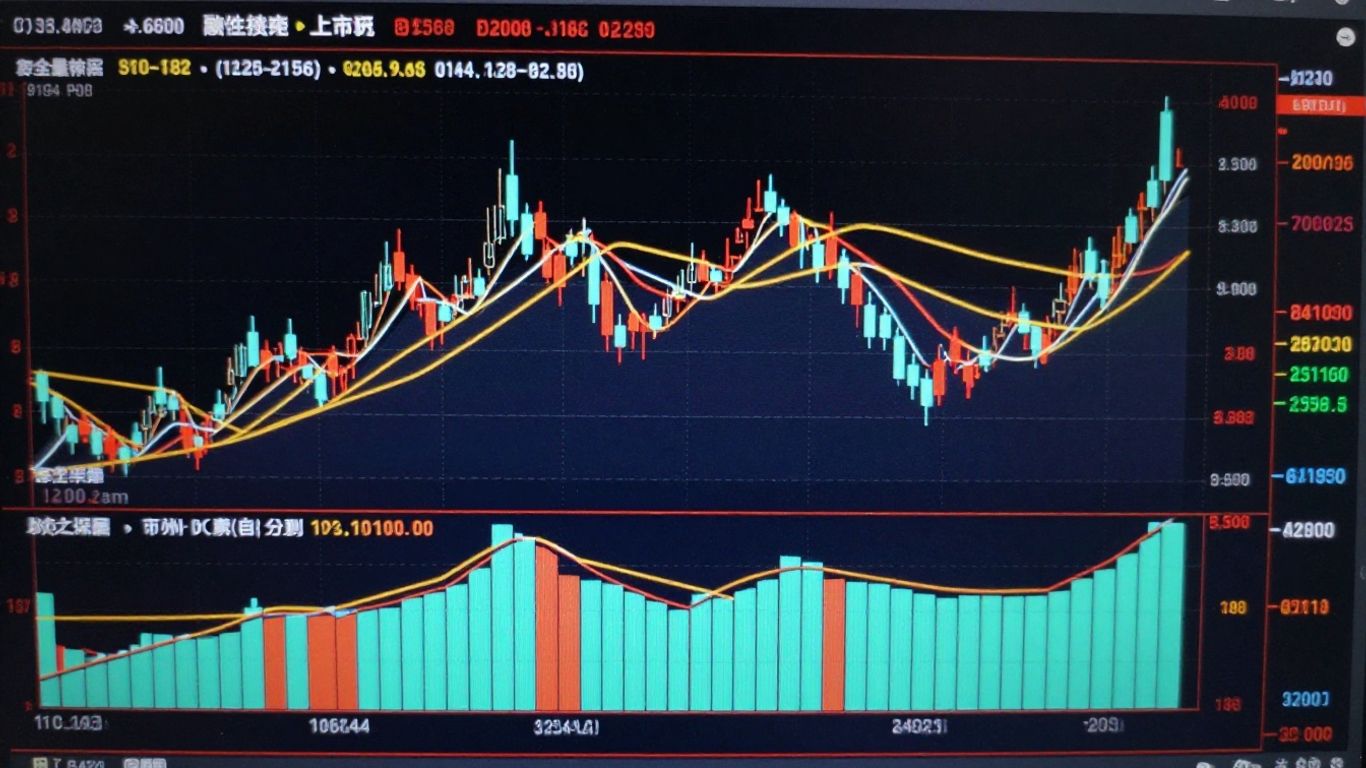
So, you’ve probably seen the regular volume bars under your price chart, right? They show you how much trading activity happened during each price candle. Volume Profile takes that idea and flips it on its head, literally. Instead of showing volume over time, it shows volume traded at specific price levels over a chosen period. Think of it like a horizontal histogram laid across your chart, showing you where the most action happened. This gives you a much clearer picture of where the market participants were most active and interested. It’s not just about how busy the market was, but where it was busy. This distinction is pretty important for figuring out what might happen next.
Key Concepts: Point Of Control and Value Area
When you look at a Volume Profile, two things jump out: the Point of Control (POC) and the Value Area (VA). The POC is simply the price level where the most volume was traded during the selected period. This is often a strong magnet for price. If the price moves away from it, it tends to try and come back. The Value Area is a bit broader. It’s the price range where a significant chunk of the trading volume occurred – usually around 70%. These areas often act like zones of agreement between buyers and sellers. Price tends to spend a lot of time within the Value Area, and when it breaks out, it can signal a shift in market sentiment.
Here’s a quick breakdown:
- Point of Control (POC): The single price level with the highest volume traded.
- Value Area (VA): The price range where approximately 70% of the volume was traded.
- High Volume Nodes (HVNs): Price levels within the VA where significant volume was traded. These often act as support or resistance.
- Low Volume Nodes (LVNs): Price levels with very little volume traded. These can indicate areas where price moved through quickly, suggesting less interest or a potential breakout zone.
Understanding these zones helps you see the market’s ‘battlegrounds’ – where the real fights between buyers and sellers took place. Price often reacts strongly around these areas.
High Volume Nodes vs. Low Volume Nodes
Within the Volume Profile, you’ll notice areas where the bars are thicker (High Volume Nodes or HVNs) and areas where they are thinner (Low Volume Nodes or LVNs). HVNs represent price levels where a lot of trading activity occurred. These are areas where the market found a lot of agreement, and they often become significant support or resistance levels. Think of them as busy marketplaces. On the flip side, LVNs are price levels where very little trading happened. Price tends to move through these areas quickly because there wasn’t much interest or conviction from traders. These LVNs can sometimes act as ‘speed bumps’ or indicate areas where a breakout might continue with less resistance.
Setting Up the Volume Profile Indicator in MT4
Alright, so you’ve heard about this Volume Profile thing and how it can help you see what’s really going on under the hood of the market. But how do you actually get it working on your MetaTrader 4 platform? It’s not usually built-in like some basic indicators, so you’ll need to grab one first.
Acquiring a Volume Profile Indicator for MT4
Since MT4 doesn’t come with a native Volume Profile indicator, you’ll need to find one. There are a bunch of places to look. Some are free, some you pay for. You can often find them on:
- Forex forums where traders share custom tools.
- Online marketplaces specifically for MT4 indicators.
- Some charting software providers might offer their own versions.
When you’re looking, pay attention to reviews and ratings to get a sense of reliability. You want something that’s been tested and works well.
Installation and Application to Charts
Once you’ve downloaded an indicator file (usually an .ex4 or .mq4 file), getting it into MT4 is pretty straightforward. You just need to put it in the right folder.
- Open your MT4 terminal.
- Go to
File>Open Data Folder. - Navigate to the
MQL4folder, then into theIndicatorssubfolder. - Copy your downloaded Volume Profile indicator file into this
Indicatorsfolder. - Go back to MT4 and refresh the
Navigatorwindow (right-click onIndicatorsand selectRefresh).
Now, you should see your Volume Profile indicator listed under Custom Indicators in the Navigator window. To apply it to a chart, just drag and drop it onto the price chart you’re watching.
Customizing Indicator Settings for Your Strategy
When you apply the indicator, a settings window will pop up. This is where you can tweak things to fit how you trade. Different indicators have different options, but common ones include:
- Profile Type: You might be able to choose between different ways of calculating the profile, like
Fixed Range(where you manually select the start and end points on the chart) orSession Volume(which automatically calculates for each trading session like daily, weekly, etc.). - Number of Rows/Levels: This controls how detailed the profile is. More rows mean a more granular view, but can also make the chart look cluttered.
- Colors and Appearance: You can usually change the colors of the POC (Point of Control), Value Area, and the bars themselves to make them stand out against your chart background.
Don’t just accept the default settings. Take a few minutes to play around with them. See how changing the ‘Number of Rows’ affects what you see. You want the profile to be clear enough to read easily without overwhelming your chart. Think about what price levels are most interesting to you and adjust accordingly.
Experimenting here is key. What works for one trader might not be ideal for another, so tailor it to your specific trading style and the markets you follow.
Leveraging Volume Profile for Intraday Trading
Gaining Granular Market Insight
Volume Profile really shines when you’re looking to understand what’s happening right now in the market, especially for intraday moves. Instead of just seeing how much volume traded over time, you get to see how much volume traded at each specific price level. This gives you a much clearer picture of where the real action is. You can spot areas where a lot of buying and selling happened, which often tells you where the market participants think a price is ‘fair’. This kind of detail helps you see potential turning points or areas where price might get stuck.
Enhancing Trading Entry and Exit Precision
Knowing where the big volume pockets are can seriously help you time your entries and exits. When price approaches a High Volume Node (HVN), it’s often a sign that a lot of traders were active there. This can mean that level will act as support or resistance. If you’re looking to buy, seeing price hold above an HVN could be a good sign. If you’re selling, seeing price get rejected at an HVN could confirm your trade. The goal is to align your trades with these areas of significant activity. It’s about making your trades more precise, not just guessing.
Here’s a quick look at how volume nodes can influence your decisions:
- High Volume Nodes (HVNs): These are like magnets for price. Expect price to spend more time here. They often act as strong support or resistance.
- Low Volume Nodes (LVNs): Price tends to move through these quickly. They can signal areas where a breakout or breakdown might happen.
- Point of Control (POC): The single price level with the most volume. Often a key area to watch for reactions.
Improving Risk Management with Volume Zones
Volume Profile isn’t just about finding trades; it’s also a solid tool for managing your risk. Those HVNs and LVNs aren’t just price points; they represent areas where traders have committed capital. This makes them natural psychological levels. You can use these zones to set your stop-losses. For example, if you enter a trade based on support at an HVN, placing your stop just below that zone gives you a defined risk. If price breaks through that zone decisively, it tells you the trade idea might be wrong. This structured approach helps you avoid taking unnecessary losses. It’s about knowing where to get out if the market proves you wrong, which is a big part of successful trading.
When you’re trading intraday, things move fast. Using Volume Profile helps you cut through the noise. You’re not just looking at price charts; you’re seeing the actual trading activity behind those price moves. This gives you a better sense of market conviction and helps you make quicker, more confident decisions about where to place your trades and how to protect your capital.
Interpreting Volume Profile Data for Trade Signals
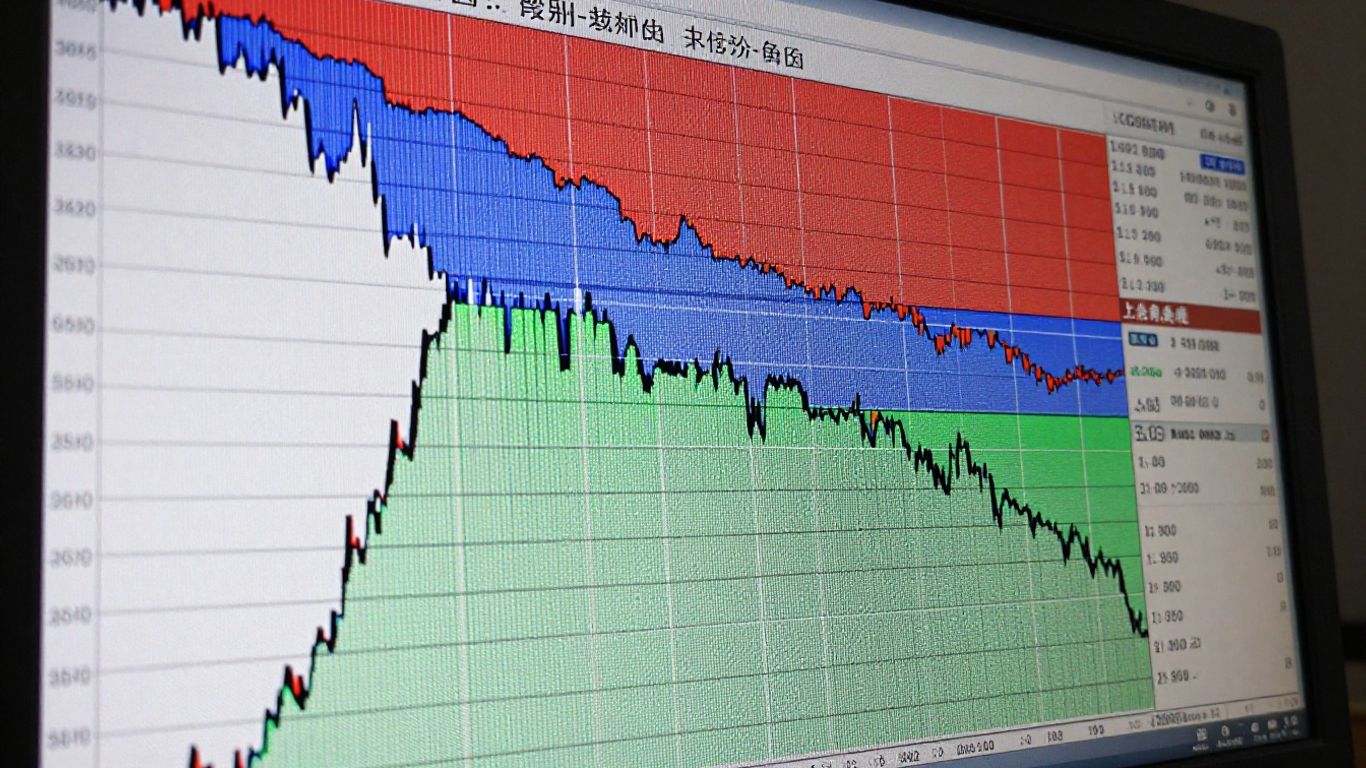
Alright, so you’ve got the Volume Profile indicator set up on your MT4 chart. Now what? This is where the real detective work begins. We’re going to look at the patterns the indicator shows us to figure out what the market might do next. It’s not about guessing; it’s about reading the story the volume is telling.
Identifying Support and Resistance Levels
Think of the Volume Profile as a heat map of where the most trading action happened. The price levels with the highest volume, often called High Volume Nodes (HVNs), tend to act like magnets. Price often gets pulled back to these areas, and they can become strong zones of support or resistance. When price approaches an HVN, pay attention. It’s a place where a lot of traders made decisions, so it’s likely to cause a reaction.
On the flip side, you have Low Volume Nodes (LVNs). These are areas where price moved through quickly, meaning not much trading happened there. When price revisits an LVN, it can sometimes act as a fast track, with price moving through it more easily. These can be good spots to look for potential breakouts or breakdowns.
Here’s a quick way to think about it:
- High Volume Nodes (HVNs): Expect price to react here. Often acts as support or resistance.
- Low Volume Nodes (LVNs): Price might move through these quickly. Can signal potential breakout areas.
- Point of Control (POC): The single price level with the most volume. This is a major magnet for price.
Recognizing Accumulation and Distribution Areas
Volume Profile can help us spot when big players might be quietly getting into or out of positions. Accumulation happens when smart money is buying without pushing the price up too much, often seen as sideways movement with increasing volume at lower price levels. Distribution is the opposite – selling without crashing the price, usually sideways movement with volume picking up at higher price levels.
Look for areas where the profile shows a wide range of prices with significant volume traded. If price is consolidating within a range and the Volume Profile shows a lot of activity at the bottom of that range, it might be accumulation. If the activity is concentrated at the top, it could be distribution.
The key is to observe how price behaves around these high and low volume areas. A strong reaction away from an HVN suggests conviction from market participants, while a quick move through an LVN might indicate a lack of interest at those levels.
Spotting Potential Reversal and Breakout Points
When price hits a significant HVN or the POC, it’s a prime spot to watch for reversals. If price stalls or starts to turn around at these levels, especially with decreasing volume as it stalls, it could signal a change in direction. Conversely, if price breaks decisively through an LVN, especially with a surge in volume, it might be the start of a new trend or a strong move in that direction. Pay close attention to the candle patterns that form at these volume-rich or volume-poor areas.
- Reversal Signal: Price approaches a strong HVN, stalls, and then reverses direction, often with declining volume during the stall.
- Breakout Signal: Price moves decisively through an LVN, often accompanied by an increase in volume, suggesting momentum is building.
- Failed Breakout: Price attempts to break through a level but quickly snaps back, often seen with high volume on the initial move and then fading volume on the snap back.
Advanced Volume Profile Strategies
Combining Volume Profile with Other Indicators
While Volume Profile is a powerhouse on its own, mixing it with other tools can really sharpen your trading edge. Think of it like adding extra senses to your trading. For instance, using a moving average can help confirm the overall trend direction. If your Volume Profile shows a strong support level forming, but the price is well below a key moving average, it might be a sign to hold off or be extra cautious. Similarly, the Relative Strength Index (RSI) can signal overbought or oversold conditions. A bullish divergence on the RSI, where the indicator makes higher lows while price makes lower lows, combined with a High Volume Node (HVN) acting as support, could be a strong buy signal. It’s all about finding confirmation and reducing false signals.
Here’s a quick look at how some common indicators can work with Volume Profile:
- Moving Averages (MAs): Use MAs to identify the broader trend. Look for Volume Profile support/resistance levels that align with MA support/resistance.
- Relative Strength Index (RSI): Spot divergences or overbought/oversold conditions. Combine these with Volume Profile price levels for stronger signals.
- MACD (Moving Average Convergence Divergence): Identify momentum shifts. A bullish MACD crossover near a significant Volume Profile node can be a good confirmation.
The goal isn’t to use every indicator under the sun, but to pick a few that complement Volume Profile and help you see the market more clearly. Too many signals can lead to confusion, not clarity.
Analyzing Volume Profile in Trending Markets
Trading with the trend is often considered the path of least resistance, and Volume Profile can be incredibly useful here. In an uptrend, you’ll often see prices pull back to areas of previous high volume. These High Volume Nodes (HVNs) can act as magnets, drawing price back before the trend continues. When price finds support at an HVN during an uptrend, it’s a strong sign that the trend is likely to resume. Conversely, in a downtrend, look for prices to stall or find resistance at HVNs. Low Volume Nodes (LVNs) in trending markets can also be telling. If price breaks through an LVN quickly, it suggests strong momentum in that direction. When a trend is established, these nodes help you identify potential continuation points.
Utilizing Volume Profile for Pullback Entries
Pullbacks are a trader’s best friend for getting into a trend at a better price. Volume Profile excels at identifying where these pullbacks are likely to find support or resistance. When a trend is moving, and price starts to retrace, look at the Volume Profile for the preceding move. You’re looking for areas where significant volume was traded – these are your potential turning points. A common strategy is to wait for price to touch a significant HVN or a Value Area (VA) boundary during a pullback. If the price shows signs of rejection or consolidation at these levels, it can be a good entry point to join the prevailing trend. For example, in an uptrend, if price pulls back to a prior HVN and holds, it presents a potential long entry. The stop-loss can often be placed just below that HVN, offering a good risk-reward ratio.
Backtesting and Refining Volume Profile Strategies
Okay, so you’ve got your Volume Profile indicator set up in MT4, you’re starting to get a feel for those high and low volume nodes, and maybe you’ve even spotted a few potential trades. That’s awesome! But here’s the thing: seeing it on a live chart is one thing, but proving it works consistently? That’s where backtesting comes in. It’s like practicing a new skill – you wouldn’t jump straight into a competition without putting in the reps, right?
The Importance of Simulation and Backtesting
Look, nobody wants to lose money, especially not on trades that looked good on paper but fell apart in reality. Backtesting is your safety net. It lets you take your Volume Profile strategy for a spin on historical data without risking a single dollar. This is where you find out if your ideas about support and resistance from volume actually hold water over time. You get to see how your entry and exit rules would have performed during different market conditions – trending, ranging, you name it. It’s the bridge between theory and profitable practice.
Using Forex Tester Online for Volume Analysis
When it comes to backtesting, especially for something as dynamic as volume, you need the right tools. That’s where software like Forex Tester Online really shines. It lets you replay past market sessions bar by bar. This is super important because volume signals often develop over time. You can pause the replay right when a volume spike happens, analyze the price action around it, and then see what the outcome was. Did that high-volume breakout actually lead to follow-through, or did it fizzle out? Did price respect that low-volume area? You can even add realistic spreads and commissions to make the simulation more true to life. It’s about building that muscle memory for reading volume in context.
Here’s a quick rundown of how you might use it:
- Set up your project: Choose a currency pair, a date range (start with a few months), and input your trading costs.
- Load the Volume indicator: Add the standard volume histogram to your charts.
- Replay and pause: Go through the historical data bar by bar, especially around key price levels.
- Analyze and label: When you see a volume event, pause and note down your interpretation: Is it a breakout confirmation? A potential reversal? A sign of accumulation?
- Check the outcome: See what price did next. Did your interpretation match reality?
Iterative Refinement of Trading Rules
After you’ve run through a good chunk of historical data, you’ll start seeing patterns. Maybe your rule about high volume at resistance needs tweaking. Perhaps you notice that low volume pullbacks in trending markets are more reliable than you initially thought. This is where the refinement happens. You take those observations and adjust your trading rules. It’s not a one-and-done process. You might test a change, see how it performs, and then tweak it again. Think of it like tuning an instrument – you make small adjustments until it sounds just right. Keep a trading journal of your backtesting results to track what works and what doesn’t. This iterative process is key to turning a good idea into a robust trading strategy.
Don’t get discouraged if your initial strategy doesn’t perform perfectly in backtests. The goal isn’t to find a flawless system right away, but to systematically improve your approach based on objective data. Each test run, even the ones that show losses, provides valuable information for the next iteration.
Wrapping It Up
So, we’ve gone through what Volume Profile is and how it can help you see where the real action is happening on your charts. It’s not some magic bullet, of course. Like anything in trading, you’ve got to put in the time to get good at it. Using it to spot those key price levels, understand market interest, and then maybe pairing it with other tools you already use, can really make a difference. Don’t just take my word for it, though. Try it out, backtest it, and see how it fits into your own trading style. The more you practice, the more comfortable you’ll get, and hopefully, you’ll start seeing better results in your trades.
Frequently Asked Questions
What exactly is Volume Profile?
Think of Volume Profile as a special chart that shows you where most of the buying and selling action happened at different price levels. Instead of showing volume over time, it shows volume stacked up at each price. It helps you see which prices the market really cared about.
What are the most important parts of Volume Profile?
Two key things to watch are the Point of Control (POC), which is the price with the most trading activity, and the Value Area (VA). The VA shows the price range where most of the trading happened, usually about 70% of it. These areas often act like magnets for the price or strong walls.
How do I get Volume Profile on MT4?
Since MT4 doesn’t have it built-in, you’ll need to download a Volume Profile indicator from the MT4 marketplace or a trusted website. Once downloaded, you’ll put it in the ‘Indicators’ folder of your MT4 installation, and then you can add it to your charts.
Can I use Volume Profile with other tools?
Absolutely! Volume Profile works great on its own, but you can make it even stronger by using it with other indicators like moving averages or the RSI. This helps confirm your trading ideas and gives you more confidence.
Is Volume Profile useful for trading other than intraday?
While it’s super popular for intraday trading because you can see activity within a single day, Volume Profile can also be used for longer-term trading. It helps identify significant price areas regardless of the timeframe you’re watching.
How can I get better at using Volume Profile?
The best way to improve is by practicing and testing. You can use backtesting software like Forex Tester Online to replay past market data. This lets you see how Volume Profile signals played out without risking real money, helping you build confidence and refine your strategy.











