

Looking to boost your trading game without spending hours glued to the screen? Copy trading tools can be a real help, letting you mirror trades from others. For 2026, there are some solid options out there, especially if you’re on the hunt for an mt4 trade copier free to get started. We’ve checked out a bunch of them, trying to find the ones that are easy to use and actually work well. It’s not always simple, but finding the right tool can make a big difference in how much time you spend trading and maybe even your results.
Key Takeaways
- Finding the right mt4 trade copier free means checking if it works with your broker and trading platform first. It’s like making sure your phone charger fits.
- Tools like Tradesyncer focus on speed for futures trading, while others, like Trade-copier.com, help connect different platforms like MT4, MT5, and cTrader.
- For those using Tradovate, options like PickMyTrade can copy trades across multiple accounts, even when you’re using TradingView.
- Many services offer free trials, so you can test them out, set up your accounts, and see how they perform before you commit to paying.
- While copy trading can save time, it’s important to remember that results aren’t guaranteed. Always check the details and never risk more than you can afford to lose.
1. Forex Copier
Forex Copier is a tool that stands out for serious traders looking to manage multiple MT4 or MT5 accounts without getting tangled up in manual order entry. It lets you copy trades between terminals, setting up specific rules for how orders get mirrored. This isn’t just for pros—newer traders can also benefit from its flexibility, once they get the hang of the settings.
Some key things you can do with Forex Copier:
- Copy trades either locally (on one machine) or remotely (across the internet).
- Use reverse copy mode, so if you think a signal is wrong, you can set your account to do the opposite trade.
- Fine-tune lot sizes, slippage tolerance, and filter out trades by currency pairs or size.
- No monthly bills—the software is a one-time purchase, so you’re not locked into a recurring subscription.
Here’s a look at a few features and options you get with Forex Copier:
| Feature | Description |
|---|---|
| Bidirectional Copying | Copy from MT4 to MT5 & back, both ways |
| Reverse Mode | Flip trades for hedging or contrarian style |
| Order Filtering & Limits | Set trade pairs, size, and max orders |
| Adjustable Slippage | Stay in control on fast or laggy markets |
| Custom Copy Rules | Tailor how and what gets mirrored |
| One-time Pricing | No ongoing fees after you buy |
I’ve found that getting the initial setup right is the real trick. Spending time with the settings upfront saves tons of headaches later, especially if you trade bigger sizes or have lots of accounts tied together.
Forex Copier is just one of several options—see the full overview of top MT4 trade copiers to compare what’s out there.
2. Tradesyncer
Tradesyncer is a cloud-based service that’s pretty handy if you’re into futures trading and want to automate copying trades from TradingView alerts. It’s designed to be fast, syncing trades across multiple accounts almost instantly. Think of it like having a super-efficient assistant who watches your TradingView signals and places the trades for you, everywhere you need them, without you having to lift a finger.
This tool is especially useful because TradingView itself doesn’t have a built-in way to copy trades. You set up your alerts or strategies on TradingView, and Tradesyncer picks them up. It then translates those signals into actual orders with your broker. It’s a bridge between your charting platform and your execution platform.
Here’s a quick look at what it offers:
- Cloud-Based Operation: No need to keep your computer running 24/7. The service operates online.
- Speedy Synchronization: Advertised to work at millisecond speeds, which is important for futures where timing matters.
- Risk Management Features: Includes tools to help manage risk across your accounts.
- Multi-Account Support: Can send trades to several connected accounts simultaneously.
Setting up external tools like Tradesyncer can feel a bit technical at first. It’s like learning a new software program. You’ll want to pay close attention to how it connects to your broker and how you configure the risk settings. Getting these details right from the start can save you a lot of headaches later on.
They usually offer a free trial, which is a smart move. It gives you a week to test everything out, see if it fits your trading style, and make sure it works with your specific broker and account setup before you commit to paying for it. It’s a good way to avoid surprises.
3. Trade-copier.com
If you’re a Forex or CFD trader who really likes using TradingView for charting and strategy building, but your broker uses MetaTrader (MT4/MT5) or cTrader, then Trade-copier.com might be exactly what you’re looking for. It basically acts as a bridge, connecting those two worlds.
Think of it this way: you create your trading ideas and set up alerts on TradingView, and this service takes those signals and automatically places the corresponding trades in your MT4, MT5, or cTrader account. It’s a pretty neat solution for anyone who finds themselves manually copying trades between platforms – a task that’s not only tedious but also prone to errors, especially when the market is moving fast.
Here’s a quick rundown of what it does:
- Connects TradingView alerts to MT4/MT5/cTrader execution.
- Automates the process of placing trades based on your TradingView signals.
- Helps manage risk by applying rules you set.
It’s designed to be straightforward, letting you focus on your strategy development in TradingView without worrying about the manual execution on your broker’s platform. This can save a lot of time and potentially reduce mistakes that happen when you’re trying to type in orders quickly.
Setting up external tools like this requires careful attention to detail. It’s important to test thoroughly with a demo account first to make sure the signals are being translated correctly and that the trade sizes and order types match your expectations before committing real capital. Getting the settings just right is key to making this kind of automation work for you.
4. PickMyTrade
PickMyTrade is a really neat tool if you’re someone who trades on Tradovate and wants to manage multiple accounts without the headache of manually placing the same order everywhere. Imagine you’re in TradingView, you spot a great trade, and instead of clicking into each of your Tradovate accounts one by one, you just place the trade once. PickMyTrade then takes that single order – whether it’s a market, limit, or even an OCO order – and sends it out to all your linked accounts automatically. It’s a big time-saver, especially when the market is moving fast and you need to act quickly.
This service is particularly helpful for those who use TradingView for their analysis and trade execution but need to distribute those trades across several managed accounts. It basically acts as a bridge, taking your activity on TradingView and replicating it across your other accounts. This cuts down on the risk of making mistakes when you’re trying to copy trades manually, which can happen when you’re in a hurry.
Here’s a quick look at what it offers:
- Seamless Order Replication: Copies market, limit, and OCO orders from your main account to multiple sub-accounts.
- Tradovate Focused: Specifically designed to work with Tradovate accounts.
- TradingView Integration: Works well if you use TradingView for placing your trades.
- Time-Saving Automation: Eliminates the need for manual order entry across multiple platforms.
Setting up a trade copier like PickMyTrade involves linking your main trading account to your sub-accounts. The process usually requires careful configuration within the copier’s software to ensure that orders are mirrored accurately and without delay. It’s important to follow the setup guides closely to avoid any misconfigurations that could lead to errors in trade execution across your different accounts.
While PickMyTrade focuses on Tradovate, its core function is to simplify multi-account management for traders who value efficiency and accuracy.
5. Copygram
Copygram is a trade copier that aims to simplify your trading life. It’s designed to be an all-in-one platform, meaning you don’t need a bunch of different tools to get things done. The idea is you focus on your trading strategy, and Copygram handles the copying part.
One of the cool things about Copygram is how it connects different platforms. You can copy trades from Telegram channels straight into your MetaTrader 4 or 5 accounts. It also works with TradingView, letting you copy signals to your DxTrade account. They even support copying crypto trades from Telegram to Binance Futures.
Here’s a quick look at what they offer:
- Telegram to MT4/MT5: Copy signals directly from Telegram.
- TradingView to DxTrade: Automate trades from TradingView.
- Telegram to Binance Futures: For crypto traders.
- Cross-platform copying: Works with various brokers and platforms.
Copygram is cloud-based, so you don’t need to keep your PC running 24/7 or use a VPS. This is a big plus for many traders who want to set it and forget it. They also mention that over 12,000 users trust them, especially for prop trading, and they haven’t had any reported issues with risk management.
They don’t offer a free trial, which is a bit of a bummer, but they seem pretty confident in their product. Pricing varies, with plans like ‘Plan 2’ at $49/month allowing unlimited trading rooms and connections to multiple accounts (like one MT4 and one DxTrade). They also have a ‘Premium Plan’ for those with bigger needs.
Copygram focuses on making trade copying easy and reliable. They use official APIs for smooth transfers between platforms and have a dashboard to give you insights into your trading activities. They also have smart alerts so you don’t miss any trades.
It seems like a solid option if you’re looking for a way to automate trade copying across different platforms without a lot of fuss.
6. eToro
eToro has been around for a while, and they’re pretty well-known for their CopyTrader system. It’s basically their way of letting you copy what other traders are doing, in real-time. Think of it like following someone on social media, but instead of just seeing their posts, you’re actually mirroring their trades.
They’ve got a huge community, millions of people using the platform, so there’s a big pool of traders you can choose to copy. You can filter them based on how they’ve performed, how much risk they take, or even where they’re from. It’s not just forex either; they cover stocks, crypto, ETFs, you name it.
One of the good things is that they don’t charge extra fees just for using CopyTrader. The costs are usually built into the spreads, which is pretty standard. You can even copy up to 100 different traders at once, which helps spread things out.
Copy trading on platforms like eToro can be a way to get into trading without having to make every single decision yourself. However, it’s not a magic bullet. You still need to do your homework on who you’re copying and understand that losses can happen just as easily as gains. It’s really about managing your expectations and not putting all your eggs in one basket.
Here’s a quick look at what eToro offers for copy trading:
- Massive Trader Community: Over 2.5 million traders to choose from.
- Advanced Filtering: Find traders by performance, risk, strategy, and more.
- Multi-Asset Support: Copy trades across stocks, crypto, forex, and ETFs.
- Regulation: Operates under top financial authorities for security.
- User-Friendly: Available on web and mobile apps, designed for ease of use.
- Transparent Fees: Copy trading costs are part of the spreads, no extra charges.
- Real-Time Mirroring: Trades are copied as they happen.
- Diversification: Option to copy up to 100 traders simultaneously.
7. Echo Trade
Echo Trade is a pretty interesting option if you don’t want to switch your current brokerage. It acts like a middleman, connecting to brokers like E*TRADE, Schwab, and Fidelity. This means you can get into professionally managed portfolios without moving your money.
Basically, it lets you copy strategies that were usually only available to folks with a lot of cash. You get real-time alerts and trades get executed automatically based on the portfolios you pick. They also give you some commentary and insights from the pros managing these portfolios, which is nice.
Here’s a quick look at what it offers:
- Integration with major US brokers: No need to change where you trade.
- Real-time alerts and auto-execution: Trades happen automatically.
- Professional portfolio access: Copy strategies from investment firms.
- 14-day free trial: Test it out before committing.
It’s a subscription service, usually starting around $40 a month for one portfolio. You still have control over your account, but the expert trades are mirrored for you. They focus on diversified strategies, aiming for more stable results.
Echo Trade bridges the gap between retail traders and institutional-level investment strategies, automating the replication of expert-managed portfolios directly within your existing brokerage account. This approach offers a way to access sophisticated trading methods without the steep learning curve or the need for constant market monitoring.
It’s a solid choice if you want to tap into professional trading without the hassle of managing everything yourself, and you like your current broker.
8. Stock Market Guides

Stock Market Guides isn’t exactly a copy-trading platform in the traditional sense, but it’s worth mentioning because it offers a different approach to following trades. Instead of automatically mirroring every move, it sends out specific trade signals. Think of it like getting a tip from a seasoned pro, but with all the details you need to act on it yourself.
These signals cover both stocks and options. You get alerts via email or text, and they come with clear instructions: where to get in, where to get out, and what profit target to aim for. This means you’re still in control of your trades, but you’re acting on well-researched opportunities. It’s a good middle ground if you want guidance without giving up full control.
Here’s a quick look at what they offer:
- Real-time alerts: Get notified instantly for potential stock and options trades.
- Detailed trade logic: Understand why a trade is recommended, which helps with learning.
- Predefined entry/exit points: Clear instructions make it easier to execute trades.
- Backtested performance: Historical data shows average returns, like 79.4% for stocks and 150.4% for options.
This service emphasizes education. By showing you the full reasoning behind each trade, it helps you learn and potentially develop your own trading skills over time. It’s not just about copying; it’s about understanding the market better.
They charge a subscription fee, usually around $69 per month for either the stock or options service. It’s a solid option if you prefer to make the final decision on your trades but want expert insights to guide you. It’s a way to get into potentially good trades without the full automation, which some traders prefer. You can find more about how trading is changing with new tech like blockchain here.
9. AvaTrade
AvaTrade is a broker that offers a few ways to get into copy trading, which is pretty neat if you’re looking for a one-stop shop. They’ve partnered up with services like DupliTrade and ZuluTrade, and they also have their own app called AvaSocial. This means you’ve got options, whether you want to copy vetted strategies or follow specific signal providers.
It’s a good choice if you’re already with AvaTrade or are considering them because they’re a well-known broker with a lot of regulation, which adds a layer of security. You can trade forex, CFDs, and other stuff, so it’s not just limited to one market. They also have apps for your phone, making it easy to keep an eye on things when you’re out and about.
Here’s a quick look at what they bring to the table:
- Multiple Copy Trading Systems: Access to DupliTrade, ZuluTrade, and AvaSocial.
- Wide Range of Assets: Trade forex, stocks, crypto, commodities, and more.
- Strong Regulation: A focus on user safety and compliance.
- User-Friendly Apps: Monitor trades easily on mobile or web.
- Educational Resources: Tools to help you learn and improve.
One thing to remember is that while AvaTrade provides the platform and integrations, the actual performance depends heavily on the strategies or signal providers you choose to copy. It’s always a good idea to do your homework on those before committing any funds.
10. Replikanto
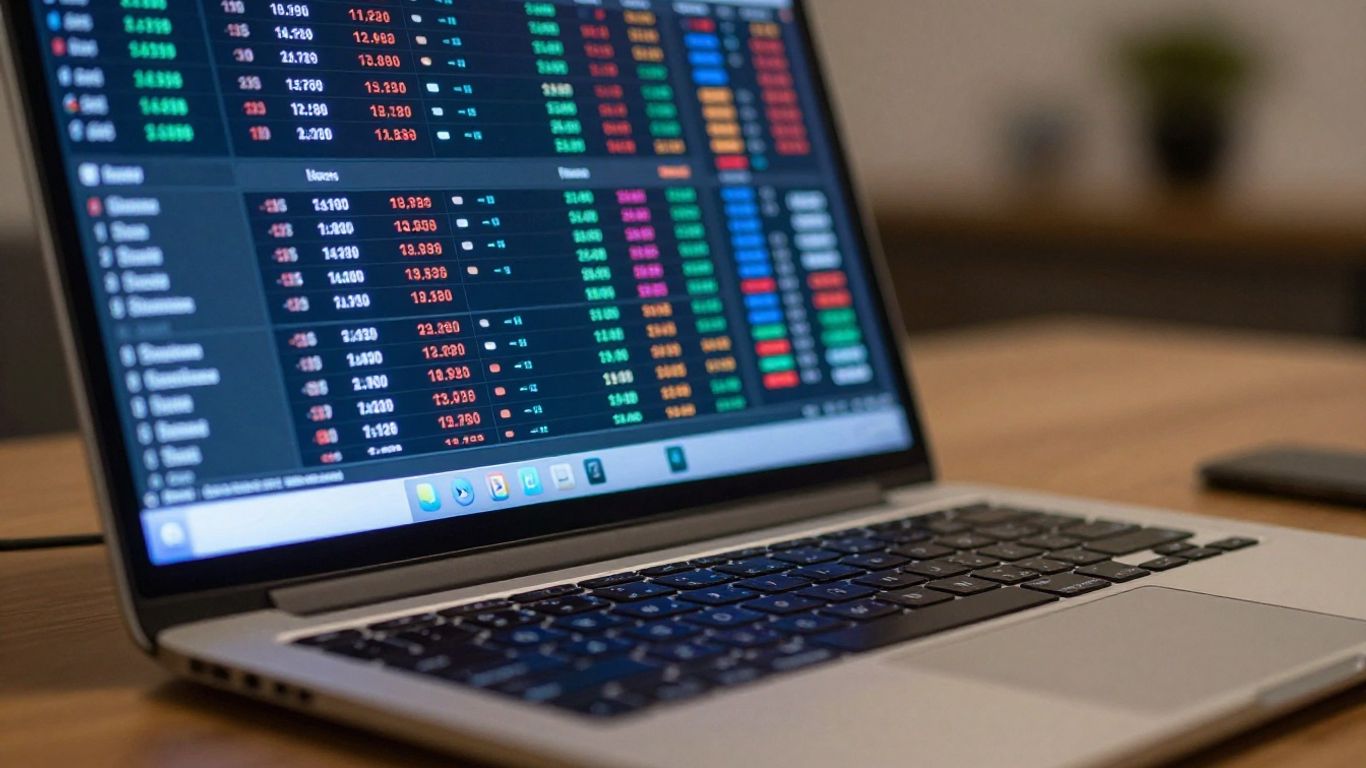
Replikanto is a tool that lets you copy trades from one MetaTrader account to another. Think of it like having a digital assistant that watches your trades and then makes the same ones on a different account, or even multiple accounts. It’s designed to be pretty straightforward, aiming to make the whole process of duplicating trades less of a headache.
The main idea is to automate the replication of trades across different MT4 or MT5 accounts. This can be useful if you manage several accounts, or if you want to follow a signal provider and execute their trades automatically on your own platform.
Here’s a quick look at what it generally offers:
- Account Synchronization: Copies trades from a master account to one or more investor accounts.
- Customizable Rules: You can often set specific rules for how trades are copied, like adjusting lot sizes, filtering by currency pairs, or setting maximum order volumes.
- Speed and Reliability: Designed to execute trades quickly, which is important in fast-moving markets.
- Ease of Use: Aims for a user-friendly interface so you don’t need to be a coding expert to set it up.
While Replikanto focuses on the technical side of copying trades, remember that the success of the copied trades still depends entirely on the strategy of the original trader. It’s a tool to automate execution, not a guarantee of profit.
Setting up Replikanto usually involves installing the software on your MT4/MT5 terminal and then configuring the connection between the master and investor accounts. You’ll typically define parameters like the lot multiplier, which can help you scale trades up or down based on the size of your investor account compared to the master account. It’s a practical solution for traders who need to manage multiple accounts efficiently without the constant manual effort of placing each trade individually.
Wrapping It Up
So, we’ve looked at a bunch of free MT4 trade copier options for 2026. It’s clear there are tools out there that can help you automate your trading, whether you’re just starting or looking to manage more accounts. Remember, though, that ‘free’ often means you’ll need to put in a bit more effort to get things set up just right. Think of it like getting a free sample – it’s a good way to try things out, but you still need to figure out how to make it work best for your own trading style. Don’t expect magic; these tools are helpers, not guarantees. Always do your homework, test thoroughly, and never risk more than you’re comfortable losing. Happy trading!
Frequently Asked Questions
Does TradingView have its own trade copying tool built-in?
Nope, TradingView doesn’t have its own tool for copying trades. You’ll need to use a separate service that can read the alerts or orders from your main account and then automatically copy those trades to your other accounts.
Can I copy trades from TradingView to platforms like MT4 or MT5?
Yes, you definitely can! Services like Trade-copier.com are made for this. They take your trading signals from TradingView and place the same orders on your MT4, MT5, or cTrader platform. It makes moving trades from TradingView to MetaTrader or cTrader really smooth.
How do I copy trades to more than one Tradovate account using TradingView?
For Tradovate users with multiple accounts, you can use a service like PickMyTrade. It’s designed to copy orders from one main account (including ones you set up on TradingView) into several smaller accounts. It handles different types of orders, like market and limit orders.
How fast are these trade copying tools with TradingView alerts?
Speed is a big deal for many of these tools. Companies like Tradesyncer say they can sync alerts and automated strategies in milliseconds. The main goal is to get the trade into all your connected accounts super fast to avoid delays and differences in pricing.
Are there free trials so I can test a copier before using real money?
Yes, free trials are pretty common. For example, Tradesyncer offers a 7-day free trial. This is a great way to set everything up, check if your accounts are linked correctly, and see how it performs before you decide to pay for a subscription.
Is it possible to copy crypto trades from TradingView?
Absolutely. Many traders set up TradingView alerts and use them with copy trading tools that focus on cryptocurrencies. Some services, like Avo, even make it simple to copy successful crypto traders, sometimes using platforms like Discord to help manage the copying process.











