
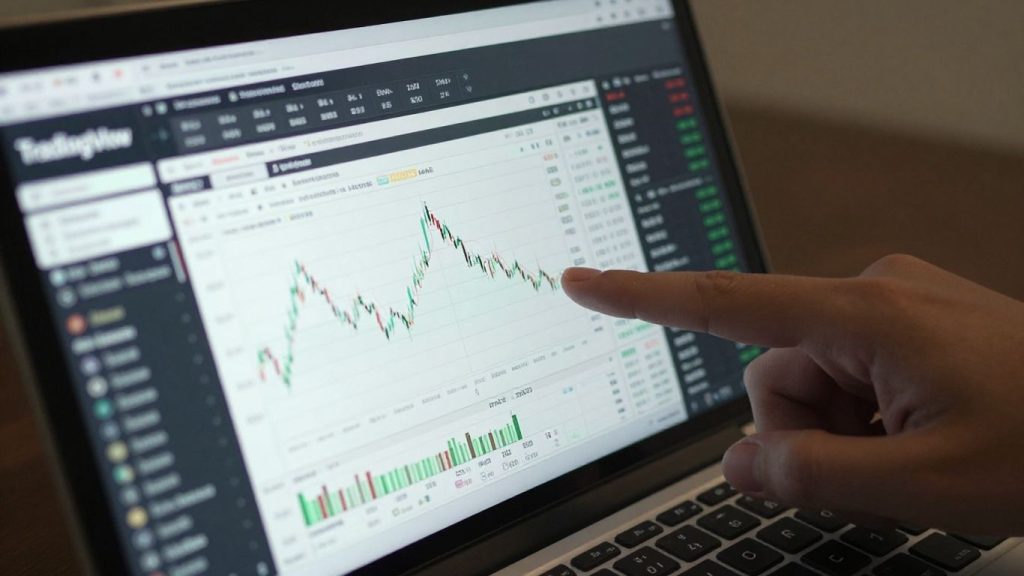
So, you’ve heard about TradingView, right? It’s everywhere in the trading world, with people using it for charts and market talk. But the big question that pops up a lot is: is TradingView a broker? It’s a fair question, especially when you see how much people rely on it. Let’s break down what TradingView actually does and how it fits into the whole trading picture, because knowing this can really help you figure out how to use it best.
Key Takeaways
- TradingView itself is not a brokerage firm. It’s a platform for charting, data analysis, and connecting with other traders.
- You can trade directly through TradingView, but this requires linking an account from a separate, integrated brokerage service.
- The platform offers powerful charting tools, real-time market data across many assets, and a community for sharing trading ideas.
- TradingView is accessible via web browser and mobile apps, with both free and paid versions available to suit different user needs.
- Understanding that TradingView is a tool for analysis and not the place where trades are executed is important for making informed trading decisions.
Understanding TradingView’s Core Functionality
What TradingView Is Not: A Brokerage Firm
First things first, let’s clear up a common point of confusion: TradingView itself isn’t a place where you open an account to hold your money or execute trades directly. It doesn’t hold your funds or act as a middleman for your transactions in the way a traditional brokerage firm does. Think of it more like a super-powered dashboard for looking at markets and planning your moves. You need a separate brokerage account to actually buy or sell assets. TradingView provides the charts, the data, and the tools, but the actual trading happens through a connected broker.
The Role of TradingView as a Charting and Social Platform
So, what is TradingView then? At its heart, it’s a sophisticated charting platform. It gives you access to real-time price charts for a huge range of financial instruments – stocks, crypto, forex, you name it. You can draw lines, add indicators like moving averages or RSI, and generally get a visual feel for what the market is doing. But it’s more than just charts. TradingView also has a strong social element. You can share your own trading ideas, see what other traders are posting, and learn from their analyses. It’s like a global community hub for people interested in markets.
Clarifying the Distinction for Traders and Investors
Understanding this difference is pretty important for anyone using the platform. If you’re a trader, you’ll use TradingView to analyze the markets and spot opportunities. Then, you’ll connect your actual brokerage account to place the trades you’ve decided on. For investors, it’s a great way to keep an eye on your portfolio, research potential investments, and stay updated on market news. Knowing that TradingView is the analysis tool and your broker is the execution platform helps you manage your trading setup correctly and choose the right broker for your needs.
Here’s a quick breakdown:
- TradingView: Provides charts, technical analysis tools, real-time data, and a social community.
- Broker: Holds your funds, executes your buy/sell orders, and manages your account.
It’s easy to get caught up in all the advanced features and think you’re trading directly on TradingView. But remembering that it’s a separate tool that connects to your broker is key to avoiding misunderstandings about where your actual trades are happening.
How TradingView Integrates with Brokerages
TradingView itself isn’t a place where you actually hold your money or place trades directly with a bank. Think of it more like a super-powered dashboard for watching the markets and planning your moves. To actually buy or sell stocks, crypto, or forex, you need to connect it to a brokerage account. This integration is what makes TradingView so useful for active traders.
Trading Directly Through the TradingView Interface
One of the coolest things about TradingView is that you can often trade right from the charts you’re looking at. Instead of switching between different websites or apps, you can place orders, manage your positions, and see your account balance all within the TradingView platform. This makes the whole process feel much smoother. It’s like having your trading desk and your analysis tools in the same room.
Connecting Your Brokerage Account for Seamless Trading
To make this happen, TradingView partners with a bunch of different brokers. You just need to link your existing brokerage account to TradingView. The steps are usually pretty straightforward:
- Find the Broker Panel: On TradingView, look for the ‘Brokerage’ or ‘Trading Panel’ section, usually found at the bottom of the screen.
- Select Your Broker: Choose your specific brokerage from the list of supported partners.
- Connect Your Account: You’ll be prompted to log in to your brokerage account through a secure connection. This usually involves entering your brokerage username and password.
- Authorize TradingView: You’ll likely need to give TradingView permission to access your account for trading purposes.
Once connected, you can start placing trades directly from TradingView’s charts. This is a big time-saver and helps you react faster to market changes. For example, you can connect your Trade Nation account and trade directly from the TradingView interface.
Examples of Broker Integrations for Stocks and Crypto
TradingView works with a wide range of brokers, covering different markets. Whether you trade stocks, cryptocurrencies, or forex, there’s likely a broker that integrates with the platform. Some popular examples include:
- For Stocks: Brokers like Interactive Brokers and Charles Schwab often have integrations, allowing you to trade U.S. and international stocks.
- For Forex: Forex brokers such as OANDA and FXCM are commonly linked, giving you access to currency markets.
- For Crypto: Many cryptocurrency exchanges, like Binance, Kraken, and MEXC, offer direct trading through TradingView, making it easy to manage your digital assets.
The ability to trade directly from TradingView’s charts means you can analyze a stock, decide to buy, and place the order all without leaving the platform. This streamlines your workflow significantly, reducing the chances of missing a trading opportunity due to slow execution or the hassle of switching between applications.
This integration is a key reason why TradingView is so popular. It combines powerful charting and analysis tools with the ability to execute trades, all in one place. It’s a setup that works for both beginners and experienced traders looking for efficiency.
Key Features and Benefits of the Platform
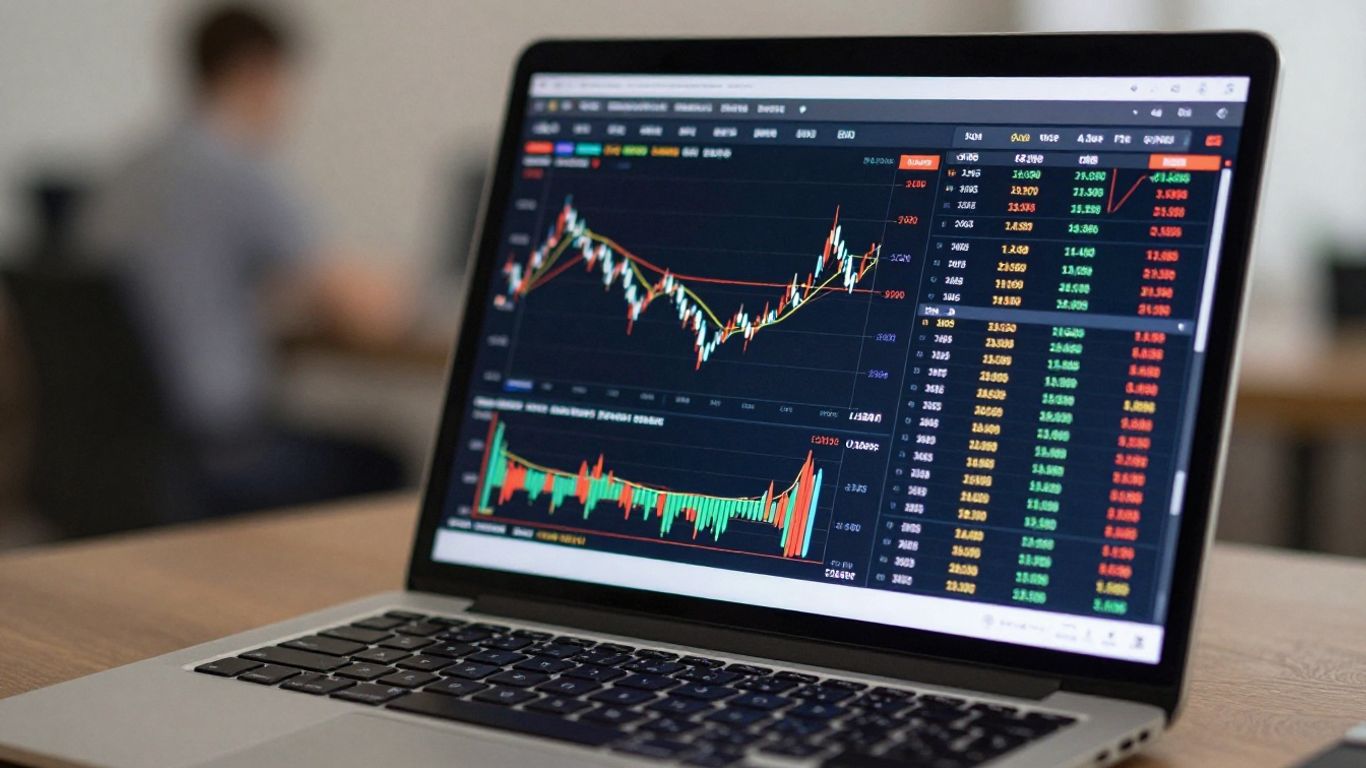
TradingView really shines when you look at what it actually offers traders. It’s not just a place to look at charts; it’s packed with tools that help you figure out what the market might do next and how to act on it.
Advanced Charting Tools and Technical Analysis
This is where TradingView really sets itself apart. The charts are super clear and update in real-time, which is obviously important. You can pick from a bunch of different chart styles, not just the basic ones. Think Japanese candlesticks, Heikin Ashi, Renko – whatever helps you see the price action best. Plus, you can draw all sorts of trend lines, patterns, and add notes right on the chart. It feels like you’re really interacting with the market data.
But it’s not just about drawing lines. TradingView has a massive library of built-in indicators – over 100 of them. These are things like Moving Averages to see trends, the RSI to check if something’s overbought or oversold, or MACD for spotting trend changes. And if that’s not enough, there are thousands more created by the community using their Pine Script language. You can even build your own custom indicators if you’re feeling adventurous. This means you can really tailor your analysis to your specific style.
- Moving Averages (MA): Helps spot the general direction of the market.
- Relative Strength Index (RSI): Shows if a price has gone up or down too much, too fast.
- MACD: Good for finding when a trend might be changing.
- Bollinger Bands: Useful for seeing how much prices are moving around.
Real-Time Market Data and Broad Asset Coverage
Getting accurate, up-to-the-minute information is key, and TradingView does a good job here. They pull data from over 50 different exchanges around the world. This means you can track stocks, cryptocurrencies, forex pairs, futures, and more, all in one place. It’s pretty convenient not having to jump between different sites or apps for different markets. The platform supports trading data from over 50 global exchanges.
Here’s a quick look at what you can track:
- Stocks
- Cryptocurrencies
- Forex
- Futures
- Bonds
- Indices
Community Features and Shared Trading Ideas
This is a really unique part of TradingView. It’s not just a charting tool; it’s also a social network for traders. You can share your own trading ideas and analysis with others, or you can look at what other traders are posting. It’s a great way to see different perspectives and learn from people who have been doing this for a while. You can follow traders whose ideas you like, comment on their posts, and generally engage with a global community of people interested in the markets. It’s like having a bunch of analysts you can bounce ideas off of, all within the same platform.
The platform’s ability to combine powerful charting tools with a vibrant social network makes it a go-to resource for many. It allows for both independent analysis and collaborative learning, which can be incredibly helpful for traders at any level.
They also have features like paper trading, which lets you practice trading with fake money, and custom alerts so you don’t miss important price moves. It’s all about giving you the tools to make smarter decisions.
Accessibility and User Experience
When you first look at TradingView, it might seem a bit much, but honestly, it’s pretty easy to get the hang of. The platform is designed to work for pretty much anyone, whether you’re just starting out or you’ve been trading for years. You don’t need to install anything complicated to use it, which is a big plus. You can just open it up in your web browser and start looking at charts. Plus, they have apps for your phone and tablet, so you can check things out on the go.
The Intuitive and Customizable User Interface
TradingView really shines with how you can set it up. The main screen, where you see all the charts and tools, isn’t just one-size-fits-all. You can move things around, add or remove indicators, and change the look of the charts to whatever makes sense to you. It’s like having a digital workbench that you can arrange just how you like it. For beginners, this means you can start simple and add complexity as you learn. For experienced traders, it means you can get all your preferred tools right where you need them, without a lot of fuss.
Browser and Mobile Accessibility
One of the best things about TradingView is that you can access it from almost anywhere. Whether you’re on your home computer, using a work laptop, or even just have your phone with you, TradingView is available. This means you’re not tied to one machine. You can start analyzing a stock on your desktop and then check its price movements later on your phone while you’re out and about. It makes keeping up with the markets much more flexible.
Free vs. Paid Plans: Understanding the Options
TradingView offers different levels of service, which is pretty standard for these kinds of platforms. The free version gives you a lot to work with – enough to get a solid feel for the market and practice your analysis. You get access to a good number of charts, indicators, and alerts. However, if you find yourself needing more, like more advanced alerts, more chart layouts, or access to more historical data, the paid plans are there. They aren’t outrageously expensive, and they add more power for those who really rely on the platform for their trading decisions.
It’s important to remember that while TradingView provides the tools for analysis and connection to brokers, the actual trading execution and the associated risks are handled by the broker you choose. Think of TradingView as your advanced dashboard and control center, but the engine and the road you drive on are provided by your broker.
TradingView’s Evolving Capabilities
TradingView isn’t just sitting still; it’s constantly adding new features and getting better. The platform is really leaning into new tech, which is pretty cool for us traders.
Integration of Artificial Intelligence Tools
One of the biggest shifts is how TradingView is bringing in artificial intelligence (AI). These AI tools are designed to help spot market trends and give you personalized insights. They crunch a lot of data to try and predict where prices might go or signal when to make a move. The goal is to make your decision-making process sharper.
Expansion of Broker and Financial Instrument Support
They’ve also been busy adding more brokers you can connect to and a wider range of financial stuff to trade. This means you’re not limited to just a few options and can probably use TradingView with the broker you already like, or find a new one that fits your needs. It’s making the platform more useful for people trading all sorts of things, from stocks to crypto, all over the world.
Impact of AI on Trading Efficiency
So, what does all this AI stuff mean for how we trade? Well, early signs suggest it can really help. By using these smarter tools, traders are reporting that they’re getting better at making decisions and seeing improvements in how efficiently they trade. It’s like having a bit of extra help to sift through all the market noise.
It’s important to remember that while these AI tools can offer predictions and signals, they aren’t foolproof. Markets are complex, and no technology can guarantee profits. Think of them as advanced assistants that provide data-driven suggestions, but the final call is always yours.
Here’s a quick look at some of the advancements:
- AI-powered trend prediction: Tools that analyze historical data and current market sentiment to forecast potential price movements.
- Personalized trading signals: Alerts tailored to your specific trading style and the assets you follow.
- Enhanced data analysis: AI helps process vast datasets faster, identifying patterns that might be missed by manual analysis.
As of early 2026, TradingView continues to grow, with millions of users relying on its platform. The ongoing development, especially with AI, shows they’re serious about staying at the forefront of trading technology.
Leveraging TradingView for Informed Decisions
Using TradingView for Market Analysis
TradingView really shines when it comes to digging into market data. It’s not just about looking at a price chart; it’s about understanding what that chart is telling you. You get access to a ton of tools that help you see trends, spot patterns, and generally get a feel for where the market might be heading. Think of it like having a super-powered magnifying glass for financial charts.
- Real-time Data: Charts update instantly, so you’re always looking at the most current prices. This is pretty important when markets move fast.
- Indicator Library: There are over 100 built-in indicators, like Moving Averages (MA) to see trends, the Relative Strength Index (RSI) to check if something is overbought or oversold, and MACD for spotting potential trend changes. Plus, there are thousands more created by the community.
- Drawing Tools: You can draw trend lines, add annotations, and mark up charts however you like. This helps visualize your thoughts and potential trade setups.
- Multiple Chart Layouts: Need to watch several assets or different timeframes at once? You can set up your screen with multiple charts side-by-side.
The platform’s strength lies in its ability to present complex market information in a visually understandable format, allowing users to identify potential opportunities and risks more clearly.
Enhancing Trading Strategies with Platform Tools
Beyond just looking at charts, TradingView has features designed to help you actually put your ideas into practice and refine how you trade. It’s about moving from just observing to actively planning and testing.
- Custom Alerts: Set up notifications for specific price levels, indicator crossovers, or other events. This means you don’t have to stare at the screen all day; TradingView will let you know when something important happens.
- Paper Trading: This is a big one. You can practice trading with virtual money in real market conditions. It’s a great way to test out a new strategy or get comfortable with the platform without risking your actual cash.
- Watchlists: Keep track of all the stocks, crypto, or forex pairs you’re interested in. You can organize them into different lists, making it easy to monitor your chosen markets.
- Economic Calendar: Stay updated on major financial news and events that could impact the markets. Knowing when economic reports are due can help you prepare for potential volatility.
The Importance of Broker Choice for Execution
So, you’ve done your analysis on TradingView, you’ve got a plan, and you’re ready to make a trade. This is where choosing the right broker becomes really important. TradingView itself doesn’t handle your money or place the trades; that’s the broker’s job. Your broker is the one that actually executes your buy and sell orders.
- Connection: TradingView connects to many different brokers. You need to pick a broker that TradingView supports and then link your account.
- Fees and Spreads: Different brokers have different fee structures. Some might have lower commissions, while others might have tighter spreads (the difference between the buy and sell price).
- Execution Speed: How quickly does your broker fill your orders? For active traders, fast execution can make a big difference.
- Asset Availability: Make sure your broker offers the specific assets you want to trade, whether it’s stocks, specific cryptocurrencies, or forex pairs.
Choosing a broker that works well with TradingView and fits your trading style is key to turning your analysis into actual trades effectively.
Wrapping It Up
So, to clear things up, TradingView isn’t a place where you actually open an account to trade stocks or crypto directly. Think of it more like a super-powered map and toolbox for traders. It gives you all the charts, data, and analysis tools you could want, and it connects to your actual broker. This means you can use TradingView to figure out your next move, and then execute that trade through your linked brokerage account. It’s a really popular tool because it’s easy to use, whether you’re just starting out or you’ve been trading for years, and it brings a whole community of traders together. Knowing this distinction is key to using TradingView effectively for your trading journey.
Frequently Asked Questions
So, is TradingView a place where I can actually buy and sell stocks?
Nope, TradingView isn’t a stockbroker itself. Think of it more like a super-powered map and communication tool for traders. It gives you awesome charts and lets you connect with other traders. To actually buy or sell, you need to link your account from a real broker, like a bank for stocks.
If TradingView isn’t a broker, how can I trade using it?
TradingView works with many different brokers. You can connect your account from one of these brokers directly to TradingView. This means you can see all the charts and info on TradingView, and then click a button to make a trade through your connected broker, all without leaving the TradingView screen.
What’s the main difference between TradingView and a broker?
A broker is the company that actually handles your money and makes your trades happen, like buying or selling a stock. TradingView is a platform that helps you *decide* what to trade by giving you fancy charts, lots of market information, and a place to share ideas with others. It’s the brain, not the hands.
Can I use TradingView for free?
Yes, you can! TradingView has a free version that’s great for beginners. It gives you lots of tools to look at charts and markets. If you want even more features, like more charts at once or special tools, they have paid plans too.
What kind of things can I trade using TradingView?
You can look at and often trade a huge variety of things! This includes stocks from different companies, cryptocurrencies like Bitcoin, foreign currencies (forex), and even things like oil or gold (commodities). It covers a lot of the money world.
Is TradingView easy for someone new to trading?
Totally! TradingView is known for being user-friendly. It has a clean look, and even the free version has tools that help you learn how to read charts and understand what’s happening in the market. Plus, you can connect with other traders for tips.











