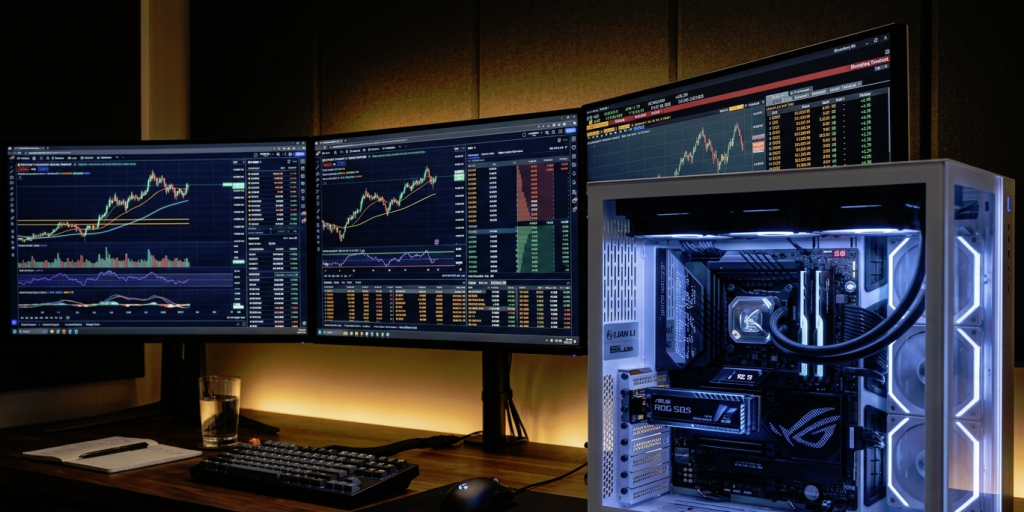
Are you one of the 100 million traders worldwide, and can your hardware keep up when the candles start moving fast? Most traders focus on CPU clock speeds or RAM capacity, but storage latency is the silent killer of execution speed. If your drive stalls while the platform tries to write a log or read a historical tick, you experience slippage that no high-speed internet connection can fix.
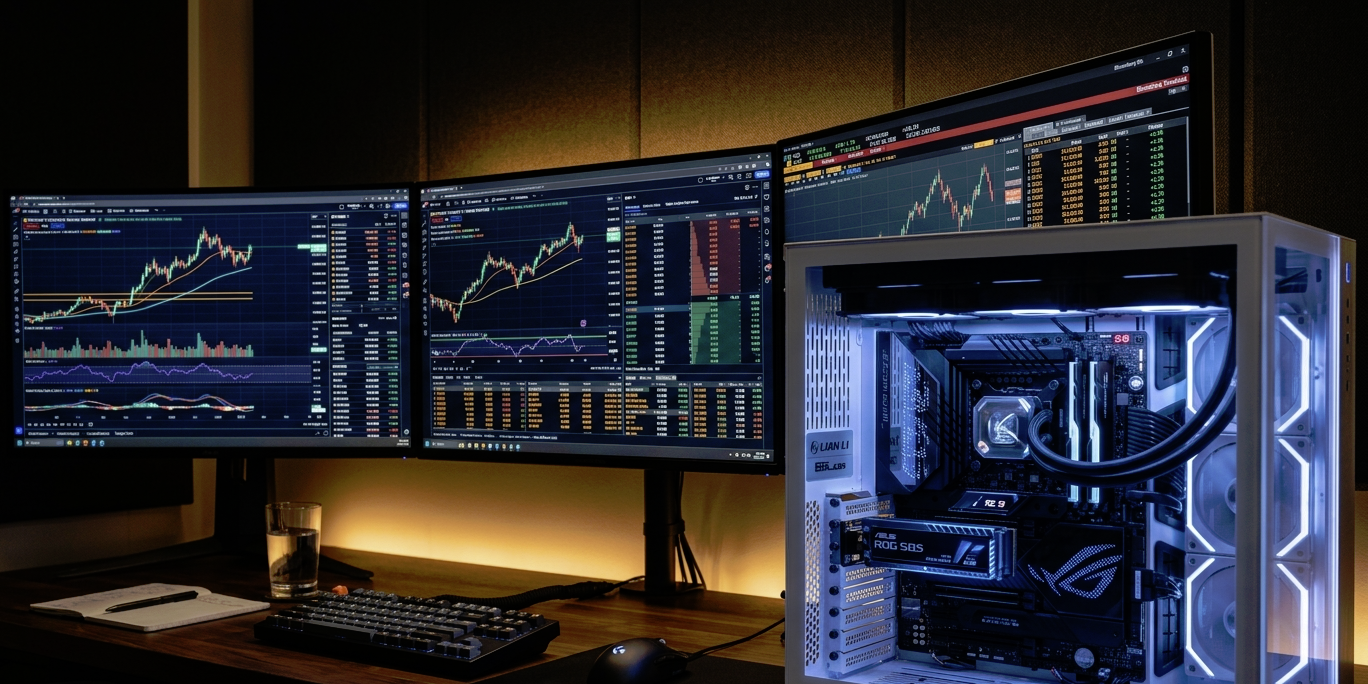
Switch To PCIe 5.0 NVMe Storage
The most immediate upgrade any serious trader can make is moving their operating system and charting software to a PCIe 5.0 NVMe drive. In 2026, this became the high-performance standard for financial workstations because it offers sequential read speeds exceeding 14,000MB/s. This isn’t just about moving large files quickly; it is about the massive throughput required to process deep historical data sets without bottlenecking the system bus.
Standard SATA SSDs are legacy technology at this point. While they were a revelation ten years ago, they operate on a protocol designed for spinning hard drives.
NVMe removes several layers of legacy software stack overhead, reducing processing latency from 125 microseconds to just 10 microseconds. That reduction in “wait time” ensures your platform stays responsive during peak volatility.
Offload Tick Data To A Dedicated Drive
One of the biggest mistakes in workstation setup is keeping your operating system, trading app, and data cache all on a single partition. When Windows or macOS starts a background update or a virus scan, it competes for “IOPS” (Input/Output Operations Per Second) with your price feed. By moving your data folders to a secondary, dedicated NVMe drive, you ensure that the chart data stream has a clear, unobstructed path to the processor.
This separation of concerns is particularly vital when using automated backtesting tools. Modern trading involves a 10x lower tail latency on NVMe than on SATA, meaning your “worst case” lag spikes are significantly shorter.
If you are worried about the technical hurdle of reconfiguring your folders, learning how to move your data safely with third-party solutions can save you from a complete system reinstall, especially if you’re already using a cloud platform from a vendor like Acronis. It’s one very good reason to avoid relying solely on local storage for your trading needs.
Efficient data management requires a structured approach to hardware. Professional traders typically utilize a three-tier storage architecture to maintain peak efficiency:
- A primary one-terabyte NVMe drive for the operating system and core applications
- A dedicated high-speed NVMe drive specifically for active caches and tick data
- Large capacity SATA drives used exclusively for long-term secondary archives
Enable And Schedule TRIM Commands
Solid State Drives do not overwrite data the way old hard drives did; they must clear out “stale” data before writing new information. If your drive becomes fragmented or the “TRIM” command isn’t functioning, the drive will stall while performing housekeeping mid-trade. This leads to the dreaded “write speed stalls” that cause platforms to freeze for a split second right as you click a buy order.
You should manually check your optimization settings to ensure that TRIM runs at least once a week. This allows the SSD to pre-clear unused data blocks, effectively preventing performance stalls during high-volatility market events. A clean drive is a fast drive, and in a game of milliseconds, cleanliness is literally money.
Implement Versioned Cloud Backups
Speed is nothing without reliability. Because SSDs have a finite number of write cycles, especially with the heavy logging typical of trading platforms, you need a backup plan that doesn’t slow you down. Use a versioned cloud backup service that uploads data in chunks rather than trying to sync the entire database every time a single tick changes.
This approach protects you from database corruption while keeping your local drive lean. If your local tick database becomes bloated and slow, you can safely purge the older months knowing they are securely archived and easily retrievable. It allows you to maintain a “slim” local profile, which is inherently faster to index and read.
Monitor SMART Health With Swap Plans
NAND flash shortages in 2025 and 2026 have driven enterprise SSD prices up by 24 percent in a matter of weeks, making it more important than ever to monitor the health of your existing hardware. Use a SMART monitoring tool to keep an eye on “Percentage Used” and “Media Errors.” SSDs don’t usually give a warning before they die; they simply lock into “read-only” mode or disappear from the system entirely.
Have a “swap plan” in place that replaces your primary data drive once it reaches 80% of its rated endurance. Waiting for a failure means days of downtime and lost opportunities. Proactive replacement is a business expense that pays for itself by preventing catastrophic failure during a profitable trend.
Refining Your Trading Workstation Strategy
Optimizing your storage is about removing every possible friction point between the market data and your eyes. By utilizing NVMe technology, separating your data streams, and maintaining drive health through TRIM and SMART monitoring, you create a stable foundation for high-speed charting.
These tweaks ensure that when the volatility arrives, your hardware remains a silent, fast partner in your execution. For more technical trading insights, check out our other recent guides and coverage.