The world of forex trading moves fast, and having the right tools is key. For many, that means using a mobile app to stay connected to the markets. But with so many options out there, how do you pick one that actually helps you trade smarter? This guide is here to help you figure that out, looking at what makes a good forex app and how tools like the forex factory app can fit into your trading day.
Key Takeaways
- A good forex trading app is more than just a way to check prices; it’s a tool for analysis, managing trades, and reacting to market changes quickly.
- When looking for an app, check its ease of use, charting tools, security features, and how fast it executes your orders.
- Using resources like the Forex Factory economic calendar alongside your trading app can help you prepare for market events and make better decisions.
- Always download trading apps from official stores like the Apple App Store or Google Play Store and start with a demo account to practice safely.
- Choosing a regulated broker and enabling security features like two-factor authentication are vital steps to protect your trading account.
Understanding The Forex Factory App Ecosystem
The Role Of A Trading Application
Think of a trading app as your main command center for the forex market. It’s not just about looking at prices; it’s where you make decisions, place your trades, and keep an eye on your money. The market moves fast, and having a reliable app means you can react quickly, whether you’re at your desk or on the go. A good app gives you real-time access to market data, lets you manage your open positions, and helps you control your risk with tools like stop-loss orders. It’s your direct line to the global currency exchange.
Leveraging Third-Party Tools
While your main trading app handles execution, you can really boost your trading game by using other tools. Forex Factory itself is a prime example. It’s not a trading platform, but it’s packed with information, especially its economic calendar. Many traders use third-party apps that can pull data from Forex Factory, like upcoming news events. This lets you prepare for market-moving news without having to constantly check multiple websites. It’s about building a system where different tools work together to give you a clearer picture.
Here’s a simple way to combine tools:
- Morning Check: Start your day by looking at the Forex Factory economic calendar. Note down any high-impact news scheduled for the day.
- Set Reminders: Use your phone or trading app to set alerts for about 15 minutes before these important news events are due to be released.
- Analyze and Act: Once the news is out, switch to your trading app. Use its charts to see how the market is reacting and then execute your trade based on your strategy.
Integrating Forex Factory Data
Forex Factory is famous for its economic calendar, which shows upcoming news events that can really shake up currency prices. Things like interest rate decisions or employment reports are listed with their expected impact. This calendar is a must-have for anyone serious about trading forex. While there isn’t an official "Forex Factory trading app," many trading platforms and third-party apps can integrate with its data. This means you can see important economic events directly within your trading environment or get alerts pushed to your phone. It helps you understand the ‘why’ behind market moves and prepare for potential volatility, turning chaotic news events into structured trading opportunities.
Essential Features For A Top Trading App
When you’re looking for a good app to trade forex, it’s not just about having something on your phone. It’s about having a tool that actually helps you make smart moves. Think of it like picking a good hammer for carpentry; the wrong one makes the job way harder, and you might even mess things up. A solid trading app needs a few key things to be useful.
Intuitive User Interface And Experience
First off, the app has to be easy to use. If you’re staring at the screen trying to figure out where the buy button is when the market is moving fast, you’re already behind. A clean layout means you can find what you need quickly. This is super important when you’re trying to manage your money and trades under pressure. A confusing menu can lead to mistakes, like accidentally closing the wrong trade or missing an opportunity altogether. It should feel natural, whether you’re just starting out or you’ve been trading for years.
Advanced Charting And Technical Indicators
Your trading app should be your go-to spot for figuring out what the market might do next. This means it needs good charting tools. You should be able to look at different time frames – like minutes, hours, or days – to see the price action. It also needs drawing tools so you can mark up support and resistance levels. Plus, having common technical indicators like Moving Averages, RSI, or MACD built-in is a big plus. These tools help you spot patterns and potential trading signals. The more options you have for analysis, the better you can understand market movements.
Robust Security And Regulatory Compliance
This is probably the most important part. You’re putting your money into this app, so it needs to be secure. Look for apps that use strong security measures, like two-factor authentication (2FA), which adds an extra layer of protection to your account. Also, it’s a good idea to use apps from companies that are regulated by financial authorities in major countries. This means they have to follow strict rules to protect traders. If an app isn’t regulated, your money might not be safe.
Precise Order Execution And Management
When you decide to make a trade, you want it to happen exactly how you planned. A good app lets you do more than just buy or sell at the current price. You should be able to set different types of orders, like stop-loss orders to limit potential losses or limit orders to enter a trade at a specific price. The speed at which your order is processed also matters. Fast execution means the price you get is close to the price you saw when you placed the order. Slow execution can lead to something called ‘slippage,’ where you end up getting a worse price than you expected, which can eat into your profits.
Maximizing Your Trading Strategy With Forex Factory
Your trading app is where you execute trades, but a successful trading plan involves more than just clicking buttons. Using a data hub like Forex Factory can really help you make better decisions. While there isn’t an official Forex Factory app, many third-party apps connect with its economic calendar. Here’s a way to use these tools together for a more informed trading day.
Morning Preparation With Economic Calendars
Before you even look at a chart, start your day by checking the Forex Factory economic calendar. This is where you find out about the big news events scheduled for the day. Think things like Non-Farm Payrolls or CPI data – these can really move the market. Knowing what’s coming up helps you prepare for potential volatility.
Setting Strategic Trade Alerts
Once you know which high-impact news events are on the schedule, set up alerts. Use your phone’s calendar or a dedicated alert app. Set a notification for about 15 minutes before each major release. This way, you won’t be caught off guard by sudden market moves. You’ll be ready to react.
Analyzing Market Sentiment
After you’ve placed a trade, you might want to check out the Forex Factory forums to see what the general market feeling is. It’s important to remember that community opinions aren’t a replacement for your own analysis. However, they can sometimes offer a different perspective. This combined approach adds a professional touch to your preparation. For example, before a recent interest rate announcement, we used the calendar to expect big price swings. Then, using the drawing tools on our trading app, we marked out potential support and resistance levels to trade the market’s reaction. This turned a potentially chaotic event into a structured opportunity.
A well-prepared trader is a step ahead. Understanding economic events and setting timely alerts transforms potential market chaos into manageable trading opportunities. It’s about using data to inform your actions, not dictate them.
Navigating The Forex App Landscape
Picking the right trading app feels like a big deal, and honestly, it is. It’s not just about checking prices on the go; it’s about having a reliable tool that fits how you trade. Think of it like choosing a hammer – you wouldn’t grab the first one you see if you’re building something important, right? You want one that feels good in your hand and does the job right. The same goes for your trading app. It’s your main connection to the market, so getting it wrong can really mess with your trading.
Evaluating Charting And Analysis Tools
When you’re looking at apps, the charting tools are a big part of the picture. You need to be able to see the price action clearly. This means looking for apps that let you switch between different time frames easily – like seeing the price movement over the last hour versus the last day. Drawing tools are also super helpful. Being able to sketch trend lines or mark support and resistance levels directly on the chart makes a huge difference when you’re trying to figure out where the market might go next. And don’t forget the technical indicators. Things like Moving Averages, RSI, or MACD can give you extra signals, but you don’t want an app that’s so cluttered with them that you can’t see the actual price.
- Multiple Time Frame Views: Essential for seeing short-term and long-term trends.
- Drawing Tools: Trend lines, Fibonacci retracements, and support/resistance levels.
- Technical Indicators: A good selection like MACD, RSI, Stochastic, and Moving Averages.
- Customization: Ability to save chart templates and indicator settings.
Understanding Fees And Spreads
This is where things can get a bit tricky, and it’s easy to overlook if you’re not careful. The price you see on the chart isn’t always the exact price you get when you trade. That difference is often made up of spreads and sometimes commissions. Spreads are basically the gap between the buying price (ask) and the selling price (bid). Some apps or brokers might advertise low spreads, but then hit you with a commission on top of that. It’s important to know what you’re paying. For example, if you’re trading frequently, even a small difference in spread can add up quickly over time. You want an app that’s clear about these costs.
| Feature | Description |
|---|---|
| Spread | The difference between the buy (ask) and sell (bid) price. |
| Commission | A fee charged by the broker for executing the trade, often per lot traded. |
| Overnight Fee | Interest charged or paid for holding a position open overnight. |
Always check the broker’s specific fee structure associated with the app. What looks cheap at first glance might end up being more expensive depending on your trading style and volume.
Assessing Customer Support Quality
When you’re trading, especially if you’re new to it, you’re going to have questions. Maybe your app freezes, or you can’t figure out how to set a specific order type. That’s when customer support becomes really important. Good support means you can get help quickly when you need it, which can save you from making costly mistakes. You want to know if they offer support through multiple channels, like live chat, email, or phone, and what their response times are like. Some apps have great support, while others… well, let’s just say you might be waiting a while. It’s worth checking reviews or even testing their support before you commit real money.
Securing Your Trading Journey
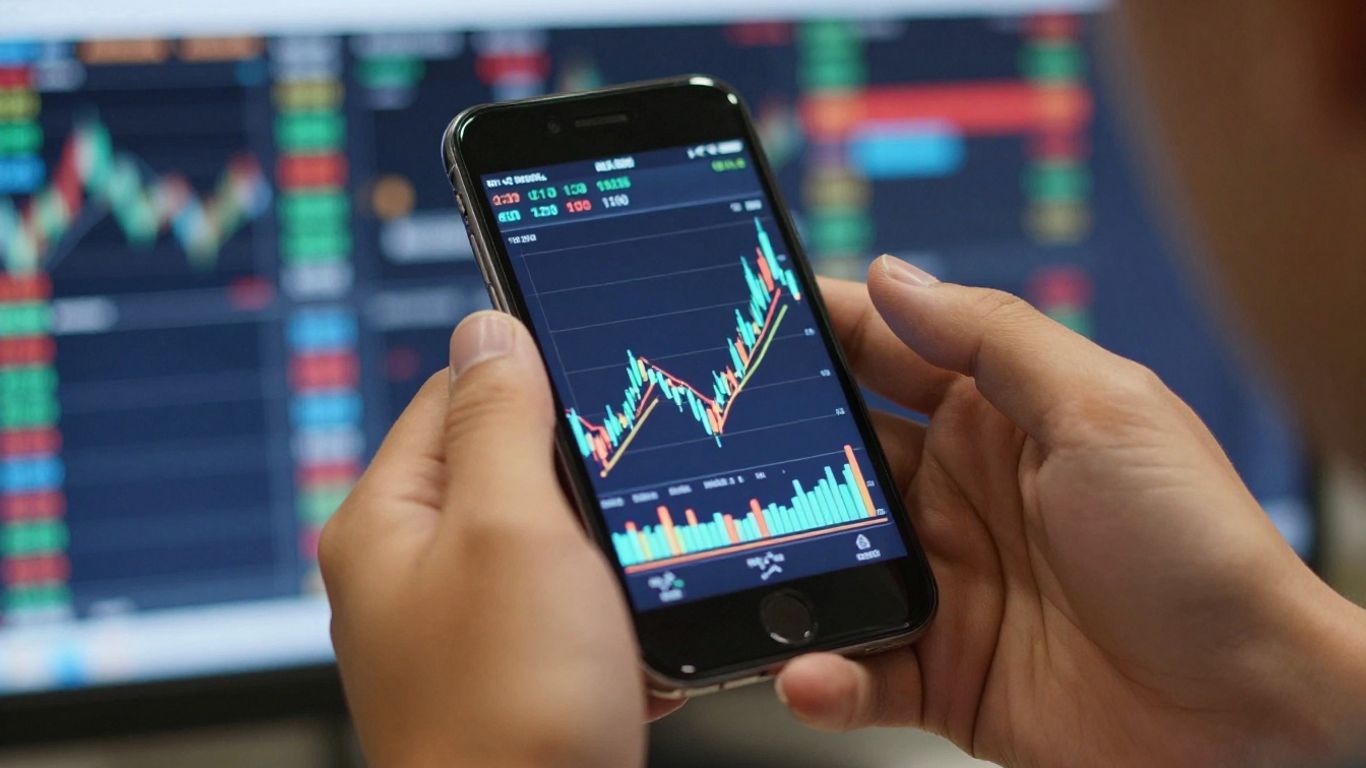
When you’re trading forex, especially on the go with an app, keeping your account and money safe is a big deal. It’s not just about picking a good trading app; it’s about building a secure setup from the ground up. Think of it like locking your house – you wouldn’t just leave the door open, right? The same applies here. We need to be smart about how we protect our trading activities from potential threats.
Choosing a Regulated Broker
This is where everything starts. Your trading app is linked to a broker, so picking the right one is step one. You want a broker that’s watched over by a serious financial authority. In the US, that might be the CFTC, or in the UK, the FCA. These regulators have rules in place to protect traders. It’s a bit like having a referee in a game; they make sure things are played fairly. Always check if your broker is regulated before you even think about depositing money.
Downloading Apps Safely
Getting the actual trading app needs to be done carefully too. The safest bet is always to download from the official app stores – the Apple App Store for iPhones and iPads, or the Google Play Store for Android devices. These stores have checks in place to catch bad apps. You really don’t want to download from some random website you found through a search engine. Those can sometimes have nasty software hidden inside, which could mess with your phone or steal your information. It’s better to stick to the official places for any forex trading application download.
Implementing Account Security Measures
Once you’re set up, there are a few more things you can do to lock things down. First off, if the app or your broker offers it, turn on Two-Factor Authentication (2FA). This means even if someone gets your password, they still can’t get into your account without a second code, usually sent to your phone. It’s a simple step that makes a huge difference. Also, use strong, unique passwords for your trading account. Don’t reuse passwords from other sites. It might seem like a hassle, but it’s a small price to pay for peace of mind when you’re managing your money.
Getting Started With Mobile Forex Trading
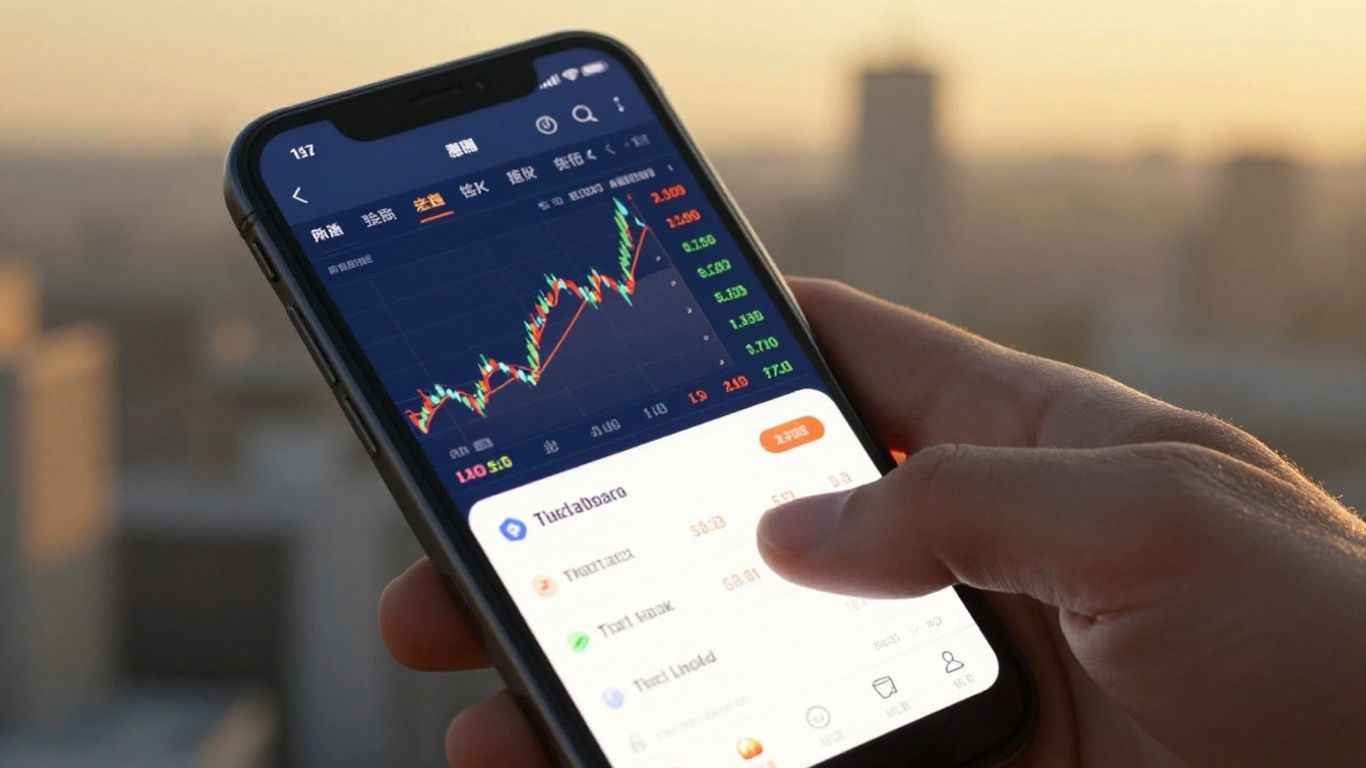
So, you’re ready to jump into mobile forex trading. That’s great! It really is the way most people trade these days, and for good reason. You get to keep an eye on things and make moves from pretty much anywhere. But, like anything new, there are a few things to get right from the start to make sure you’re not setting yourself up for trouble.
The Importance Of Demo Accounts
Before you even think about putting real money on the line, you absolutely need to get familiar with a demo account. Think of it as a practice field. You get to use all the app’s features, test out different trading ideas, and see how the market moves without any actual risk to your bankroll. It’s the best way to learn the ropes and build confidence. Most good trading apps will offer one, and you should definitely use it.
- Practice without risk: Trade with virtual money to get a feel for the platform.
- Test your strategies: See if your trading plans work in real market conditions.
- Learn the app: Get comfortable with all the buttons, charts, and order types.
- Build confidence: Become a more assured trader before going live.
Starting with a demo account is non-negotiable. It’s the single most effective way to bridge the gap between theory and practice, ensuring you’re prepared for the real market’s demands.
Making An Informed App Choice
Picking the right trading app is a big deal. It’s your main tool for everything, from looking at charts to actually placing trades. You don’t want something slow, confusing, or unreliable. Look for apps that are easy to use, have good charting tools, and feel secure. Your app choice is directly tied to your broker, so make sure you’re happy with both.
Here’s a quick checklist:
- User Interface: Is it clean and easy to figure out? Can you find what you need quickly?
- Charting Tools: Does it have the indicators and drawing tools you like?
- Execution Speed: How fast does it place your trades? Delays can cost money.
- Security: Does it offer features like two-factor authentication?
Continuous Learning For Traders
Even with the best app and a solid strategy, the forex market is always changing. What worked yesterday might not work tomorrow. So, you’ve got to keep learning. Many brokers offer educational materials, webinars, and articles. There are also trading communities and courses you can join. Staying updated on market news and different trading techniques will help you adapt and hopefully stay profitable over the long haul. It’s a marathon, not a sprint, and staying curious is key.
Final Thoughts
So, we’ve talked a lot about how important having the right tools is for trading forex, especially on your phone. Using something like the Forex Factory calendar alongside a solid trading app can really make a difference in how you prepare for the day. Remember, it’s not just about having the app, but how you use it. Always start with a demo account to get a feel for things without any risk. And keep learning; the markets change, and you should too. Good luck out there.
Frequently Asked Questions
What is Forex Factory, and do they have an official app?
Forex Factory is a popular website that gives traders important information, like a calendar of money news and forums to talk about trading. They don’t have an official app you can download from an app store. However, many other trading apps can connect to or use the data from Forex Factory, especially its economic calendar.
Why is having a good trading app important for forex trading?
A good trading app is super important because it’s like your control center for trading. It lets you see what the market is doing right now, make trades quickly, and keep an eye on your money. Without a good app, you might miss chances to make money or even lose money because of slow information or mistakes.
What’s the difference between a third-party app and a broker’s own app?
A broker’s own app is made by the company where you have your trading account, like FOREX.com. A third-party app is made by another company and can often be used with many different brokers, like MetaTrader 4 or TradingView. Broker apps are usually easier to use with your specific account, while third-party apps might have more tools or features.
How can I make sure my trading app and account are safe?
To keep things safe, always download apps only from official places like the Apple App Store or Google Play Store. Use a strong password and turn on two-factor authentication (2FA) if the app offers it. Also, make sure your forex broker is approved by a government financial group in your country.
What is a demo account, and should I use one?
A demo account is like a practice account that uses fake money. It’s a great way to try out a trading app, learn how it works, and practice your trading strategies without risking any real cash. It’s highly recommended for beginners and even experienced traders to test new apps or strategies.
Besides the app, what else helps make me a smarter trader?
Learning is key! You can improve by using educational materials from your broker, reading market analysis, or even taking courses. Paying attention to economic news on sites like Forex Factory and understanding how the market feels (market sentiment) also makes a big difference in making smart trading choices.