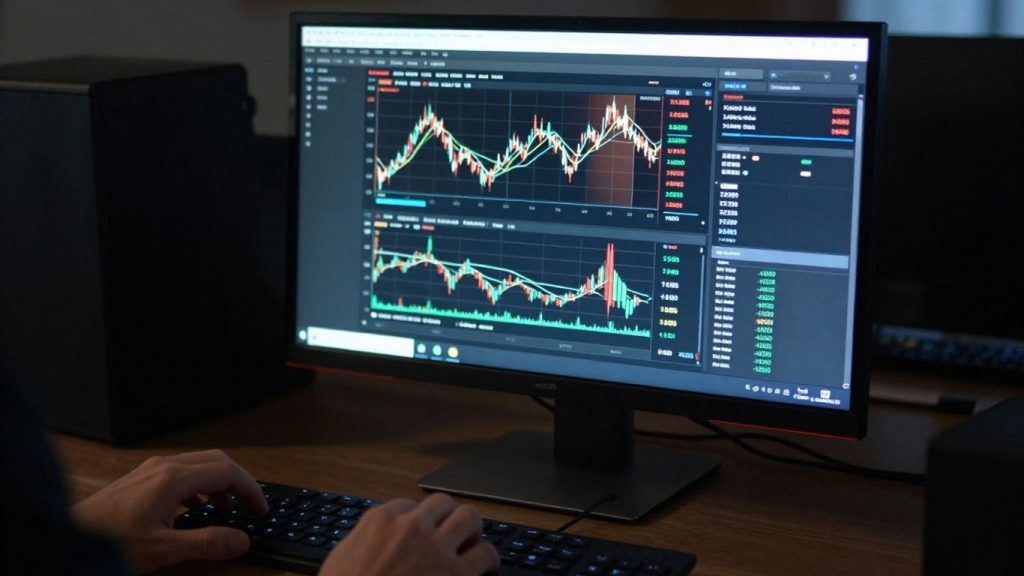
Thinking about trading stocks or options? Webull has a desktop platform that many people find useful. It’s designed to help you manage your trades and get market information. Whether you’re just starting out or have been trading for a while, the Webull desktop setup offers tools that could help you. Let’s look at what makes it tick and how you can use it for your trading.
Key Takeaways
- The Webull desktop platform provides a user-friendly way to access real-time market data and customize your trading view.
- You can use various tools on the Webull desktop, like technical indicators and market alerts, to help make trading decisions.
- Practice trading without real money using Webull’s paper trading feature to test strategies before committing capital.
- Webull desktop offers charting tools, including drawing tools and indicators, to help analyze market structure and trends.
- The platform supports efficient order placement and trade management, with features like watchlists and information feeds to streamline your workflow.
Mastering the Webull Desktop Interface
Navigating the User-Friendly Design
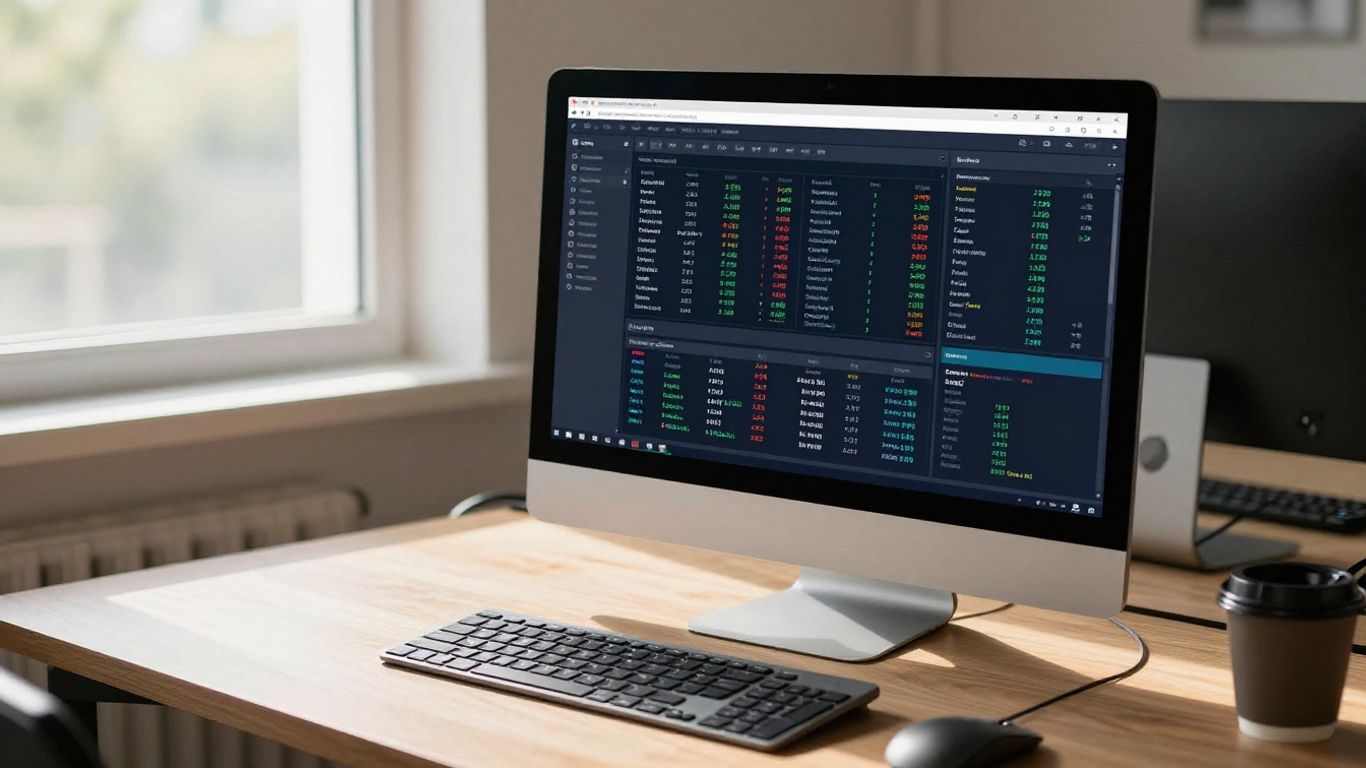
Getting started with Webull Desktop is pretty straightforward. The platform is designed to be easy to use, even if you’re new to trading. When you first log in, you’ll see a clean layout that doesn’t feel overwhelming. The main dashboard gives you a quick look at market movers and your portfolio. You can easily switch between different sections like markets, orders, and accounts using the menu on the side. It’s not overly complicated, which is a big plus when you’re trying to keep track of a lot of information.
Accessing Real-Time Market Data
One of the most important things for any trader is getting up-to-date information. Webull Desktop provides real-time market data, meaning you see prices and trading volumes as they happen. This is super important for making quick decisions. You can see live quotes for stocks, ETFs, and other assets. The platform also gives you access to news feeds and market summaries, so you’re always in the loop about what’s moving the markets.
Here’s a quick look at what you can access:
- Live stock quotes
- Market indices performance
- Trading volume data
- Breaking financial news
Staying informed with current market data helps you react faster to changes and potentially make better trading choices. It’s like having a live pulse on the financial world right at your fingertips.
Customizing Your Trading Workspace
What’s really neat about Webull Desktop is how you can set it up to fit your own style. You can arrange windows, add or remove modules, and choose what information is most important to you. For example, if you focus on a few specific stocks, you can create a custom watchlist and keep it front and center. You can also adjust chart settings and indicator displays to match how you like to analyze things. This personalization makes the platform feel like your own trading command center.
Leveraging Advanced Trading Tools on Webull Desktop
Webull Desktop isn’t just about looking pretty; it’s packed with tools that can really help you dig into the market. If you’re serious about trading, you’ll want to get familiar with these.
Utilizing Technical Indicators for Analysis
Technical indicators are like a trader’s toolkit for spotting patterns and potential moves. Webull Desktop gives you access to a bunch of them, letting you analyze price action in different ways. You can add things like Moving Averages to see trends, RSI to gauge if a stock is overbought or oversold, or MACD to spot momentum shifts. Experimenting with different combinations can reveal insights you might otherwise miss. It’s not about finding a magic bullet, but about building a clearer picture of what the market might do next.
Setting Up Market Alerts and Notifications
Let’s be real, you can’t stare at your screen all day. That’s where alerts come in handy. On Webull Desktop, you can set up notifications for all sorts of things. Want to know when a stock hits a certain price? Easy. Need to be alerted when a specific indicator crosses a threshold? You can do that too. This means you won’t miss out on opportunities just because you stepped away for a bit. You can set up alerts for:
- Price targets
- Volume spikes
- Indicator crossovers
- News events
Understanding Capital Flow Analytics
This is where things get a bit more advanced. Capital flow analytics try to show you where the big money is going. Webull Desktop provides tools to help you see how institutional investors are positioning themselves. This can give you a hint about market sentiment and potential future price movements. It’s not a crystal ball, but understanding these flows can add another layer to your decision-making process, especially if you’re looking at how to sell stocks or buy them.
Keeping an eye on capital flow can help you align your trades with larger market participants, potentially increasing your chances of success. It’s about understanding the underlying currents, not just the surface waves.
By using these tools, you’re not just guessing; you’re actively analyzing the market with data at your fingertips. It takes practice, but getting comfortable with these features can make a real difference in your trading.
Enhancing Your Trading Strategy with Webull Desktop
Ready to take your trading game up a notch? The Webull Desktop platform gives you the tools to really dig into your strategy. It’s not just about placing trades; it’s about building a smarter approach.
Exploring Day Trading Strategies
Day trading means buying and selling financial instruments within the same trading day. The goal is to make small profits on many trades. Webull Desktop can help you identify opportunities. Think about strategies like:
- Scalping: This involves making many trades to capture tiny price changes. You’re in and out in seconds or minutes. It requires quick decisions and tight risk control.
- Breakouts: Here, you look for stocks about to move past a key price level (support or resistance). The idea is to jump in as the price breaks out, hoping for a quick, strong move.
- Trend Following: This is about identifying an existing trend (up or down) and trading in that direction. You’re looking for stocks that are already moving and trying to catch that momentum.
Choosing the right strategy depends on your personality and how much risk you’re comfortable with.
It’s important to have a clear plan before you start. Know why you’re entering a trade, how much you’re willing to lose, and when you’ll take your profits. Without this, it’s easy to get lost.
Practicing with Paper Trading
Before you risk real money, you need to test your ideas. Webull’s paper trading feature is perfect for this. It lets you trade with virtual money in real market conditions. You can try out different strategies, get a feel for the platform, and see how your plans hold up without any financial risk. It’s like a practice field for traders. You can experiment with entry and exit points, see how alerts work, and get comfortable with the order types. This step is super important for building confidence and refining your approach.
Developing Options Trading Skills
Options can add another layer to your trading. They give you the right, but not the obligation, to buy or sell an asset at a specific price before a certain date. Webull Desktop provides the tools to explore this. You can look at options chains, see pricing data, and use charts to analyze potential moves. Learning options takes time, but starting with paper trading on Webull can help you understand concepts like volatility, expiration dates, and strike prices. It’s a way to learn the mechanics before committing real capital.
Deep Dive into Webull Desktop Charting Capabilities
Webull’s desktop platform gives you some solid tools for looking at stock charts. It’s not quite as fancy as some other platforms out there, but it gets the job done for most traders. You can change up the look of the charts, picking from different styles like candlesticks or simple lines. Plus, you can zoom in on really short time frames, down to a single minute, which is handy for quick trades.
Interpreting Macroeconomic Charts
Beyond just looking at a single stock’s price action, Webull also provides charts that show bigger economic trends. These can give you a wider view of what’s happening in the market. You can see how different parts of the economy are doing and spot trends that might affect your trades. It’s like looking at the weather map before you decide what to wear – it helps you prepare for what’s coming.
Applying Drawing Tools and Indicators
This is where things get interesting. Webull lets you add technical indicators right onto your charts. Think of things like moving averages or the Relative Strength Index (RSI). These are mathematical calculations that can help you spot patterns or potential turning points in the price. You can also use drawing tools to mark trendlines, support levels, or resistance areas yourself. Combining these tools can help you build a clearer picture of potential price movements.
Here are some common indicators you might use:
- Moving Averages (MA): Smooth out price data to show the average price over a specific period.
- Relative Strength Index (RSI): A momentum oscillator that measures the speed and change of price movements.
- MACD (Moving Average Convergence Divergence): A trend-following momentum indicator.
Analyzing Market Structure with Charts
Looking at charts isn’t just about drawing lines. It’s about understanding the underlying structure of the market. Webull’s charts can help you see things like volume, which shows how much of a stock was traded. High volume can sometimes signal stronger conviction behind a price move. You can also look at how prices have moved over longer periods to understand the overall trend. This helps you avoid trading against the main direction of the market.
Understanding market structure through charting is about recognizing patterns and probabilities. It’s not about predicting the future with certainty, but about making educated guesses based on historical price behavior and current data. The more you practice interpreting these charts, the better you’ll become at identifying potential opportunities and risks.
Webull also offers capital flow analytics. This feature can give you insight into how larger institutional investors are moving their money. Watching these big players can sometimes give you an edge, as they often have more information and resources than individual traders.
Streamlining Your Trading Workflow
Getting your trading process smooth and efficient is key to making the most of your time and decisions. The Webull Desktop platform has a few features that really help with this. It’s not just about having the tools, but how you use them together.
Efficient Order Placement on Desktop
Placing trades quickly and accurately is super important, especially if you’re day trading. Webull’s desktop version lets you set up your orders in a few different ways. You can use the quick trade buttons right on the chart, or go to the dedicated order entry screen. For faster execution, you can even set up hotkeys for common order types. This means less clicking around and more focus on the market.
Here’s a quick look at order types you can place:
- Market Order: Buys or sells at the current best available price. Good for speed, but price isn’t guaranteed.
- Limit Order: Buys or sells at a specific price or better. You control the price, but the trade might not fill if the market doesn’t reach your price.
- Stop Order: Becomes a market order once a certain price is reached. Used to limit losses or lock in profits.
- Stop-Limit Order: Combines a stop order with a limit order. It becomes a limit order when the stop price is hit, giving you price control but risking a missed fill.
Managing Trades with Custom Buttons
Webull lets you create custom buttons that can trigger specific actions. Think about setting up buttons for common tasks like closing all positions, reversing a trade, or placing a specific type of order with just one click. This can save you a lot of time during fast-moving market conditions. You can arrange these buttons where they make the most sense for your setup, keeping them within easy reach.
Customizing your interface with frequently used actions reduces the mental load and speeds up your response time when opportunities arise or when you need to manage risk quickly.
Utilizing Watchlists and Information Feeds
Keeping track of the stocks you’re interested in is made easier with Webull’s watchlists. You can create multiple watchlists for different purposes – maybe one for your long-term holdings, another for stocks you’re actively watching for day trades, and even one for specific sectors. The platform also provides real-time news feeds and market information directly within the desktop application. This means you don’t have to jump between different applications to stay informed about market-moving events. You can link these information feeds to your watchlists, so when news breaks about a company on your list, you see it immediately. This integrated approach helps you stay on top of market developments without missing a beat. For those looking to automate parts of their strategy, Webull offers tools that can help build and deploy automated trading plans without needing to code, which can be integrated into your workflow. See automated trading.
Webull Desktop for Informed Decision-Making
Making smart trading choices isn’t just about picking stocks; it’s about having the right information at your fingertips. The Webull Desktop platform gives you access to a bunch of resources that help you understand the market better. This means you can move beyond just guessing and start making calculated moves.
Accessing Educational Resources
Webull knows that learning is a big part of trading. They’ve put together a good amount of educational stuff to help you out. Think articles, guides, and even webinars that break down trading concepts. It’s a solid way to get a handle on things, whether you’re just starting or have been trading for a while. They cover topics from the basics to more involved strategies, so you can build your knowledge base.
- Articles and Guides: Read up on different trading terms and strategies.
- Tutorials: Follow step-by-step instructions on how to use platform features.
- Webinars: Tune in for live sessions with experts discussing market insights.
Understanding Market Trends
Keeping up with what the market is doing is key. Webull Desktop shows you more than just stock prices. You can look at charts that give you a bigger picture, showing you how different parts of the economy are doing. This helps you see where money might be flowing and what trends are starting to form. It’s like having a weather report for the financial world.
Looking at broader economic charts and sector performance can give you a heads-up on where opportunities might be hiding. It’s about connecting the dots between big economic shifts and individual stock movements.
Leveraging Level 2 Market Data
For those who want to see what’s really going on behind the scenes, Level 2 data is where it’s at. This shows you the buy and sell orders that are waiting on the exchange, not just the current price. You can see how much interest there is at different price points. This can give you an edge in understanding short-term price movements.
Here’s a quick look at what Level 2 data shows:
- Bid Price: The highest price a buyer is willing to pay.
- Ask Price: The lowest price a seller is willing to accept.
- Bid Size: The number of shares buyers want at the bid price.
- Ask Size: The number of shares sellers want at the ask price.
Wrapping Up Your Webull Desktop Trading Journey
So, that’s a look at what the Webull desktop platform brings to the table. It’s got a lot of tools that can help you make smarter trading moves, whether you’re just starting out or you’ve been at this for a while. The platform makes it pretty straightforward to get your trades in and keep an eye on things. Remember to use the paper trading feature to get a feel for it all before you put real money on the line. Keep learning, keep practicing, and you’ll be well on your way to trading with more confidence.
Frequently Asked Questions
What makes the Webull desktop platform good for advanced trading?
The Webull desktop platform is great for advanced trading because it gives you lots of tools. You can see real-time market information, use charts with many indicators to study stock movements, and set up special alerts so you don’t miss important news. It’s designed to help you make smarter trading choices.
Can I practice trading without using real money on Webull Desktop?
Yes, you absolutely can! Webull offers a ‘paper trading’ feature. This lets you practice buying and selling stocks with fake money in real market conditions. It’s a fantastic way to test out your strategies and get comfortable with the platform before you risk your own cash.
How does Webull Desktop help me understand market trends better?
Webull Desktop provides tools like capital flow analytics, which show how big investors are moving their money. It also offers macroeconomic charts that give you a bigger picture of what’s happening in the economy. This helps you see trends that might affect stock prices.
Is the Webull Desktop interface easy to use, even with all the advanced features?
Even though it has advanced tools, Webull’s desktop interface is made to be user-friendly. It’s designed so you can find what you need quickly and easily. While it might take a little time to learn everything, most users find it straightforward to navigate and use for their trading.
What kind of educational help does Webull offer for traders?
Webull provides a lot of learning materials to help traders. You can find articles, guides, and even webinars that explain trading concepts. Whether you’re just starting out or looking to improve, these resources are there to help you learn more about trading and make better decisions.
How can I set up alerts on Webull Desktop to stay updated?
You can set up market alerts and notifications on Webull Desktop for specific stocks or price movements you’re interested in. This way, you’ll get notified instantly when certain conditions are met, helping you react quickly to market changes without constantly watching the screen.